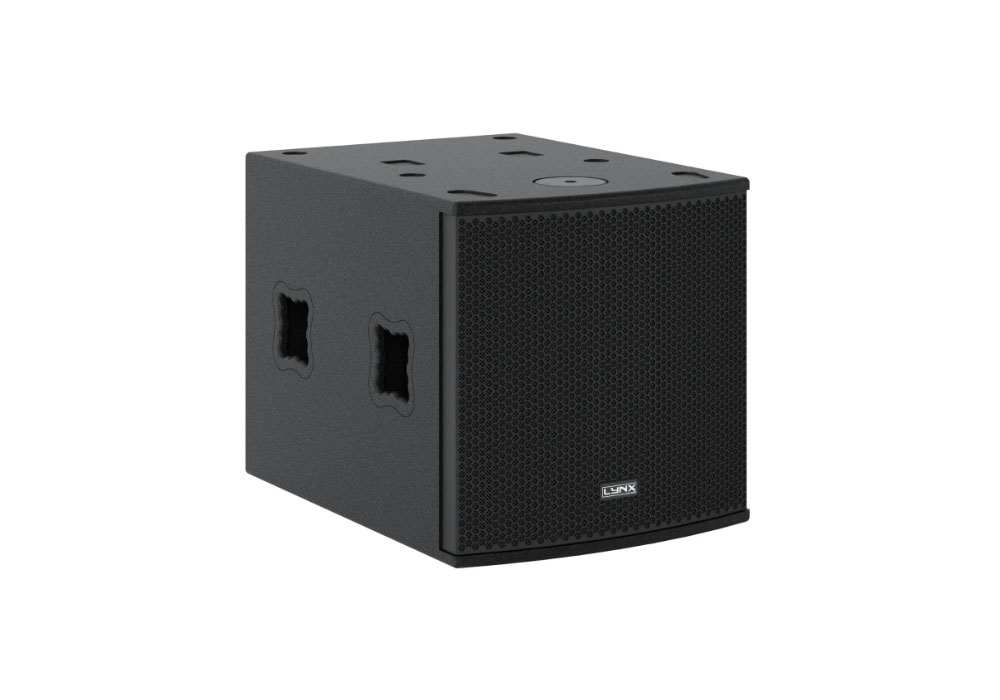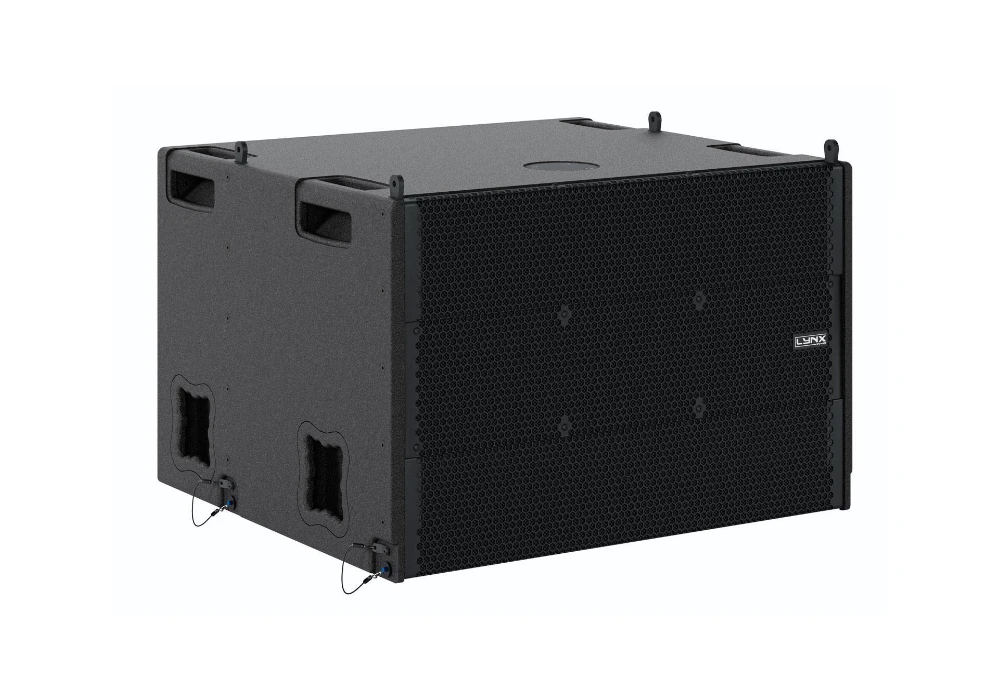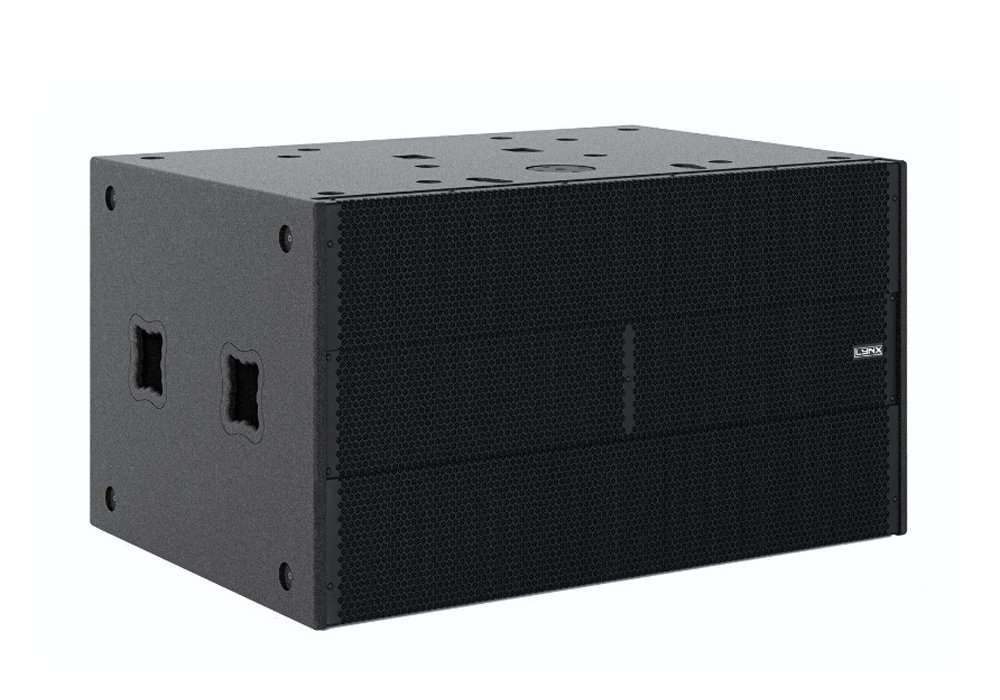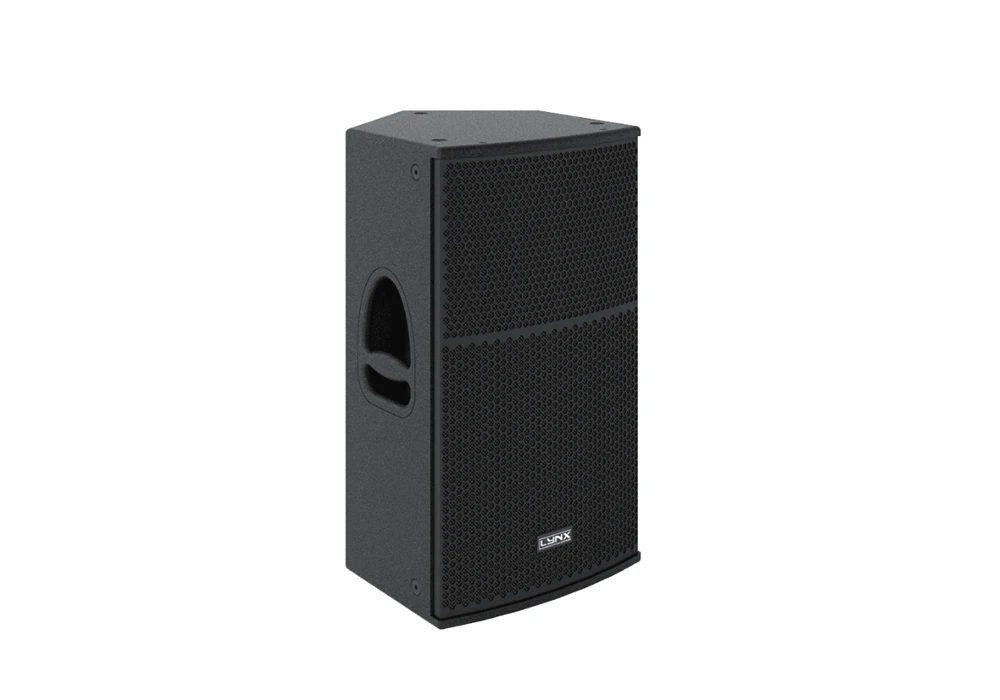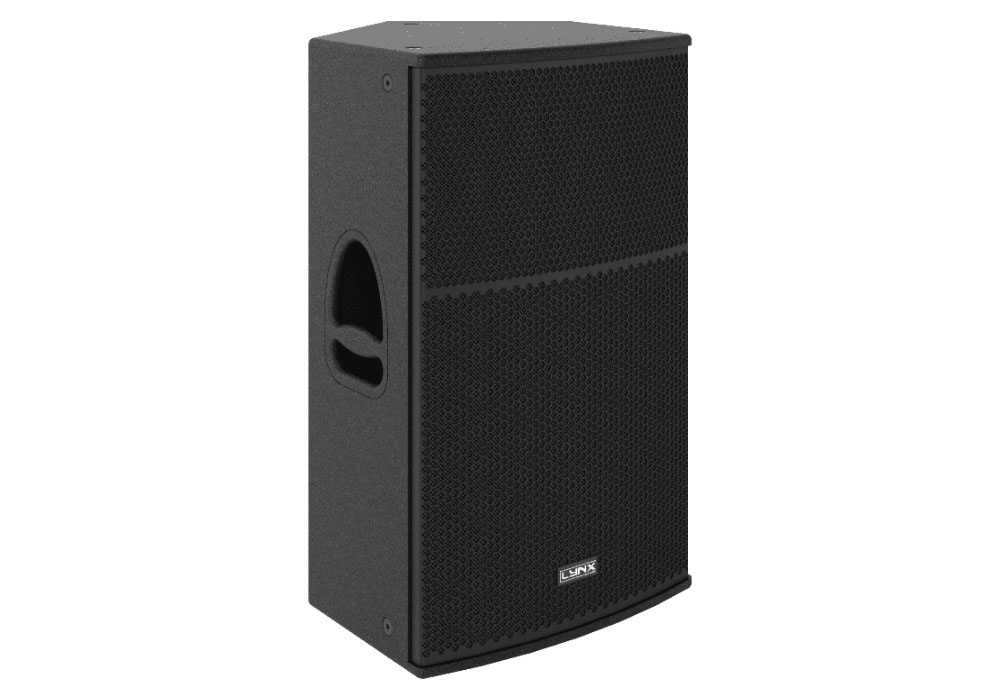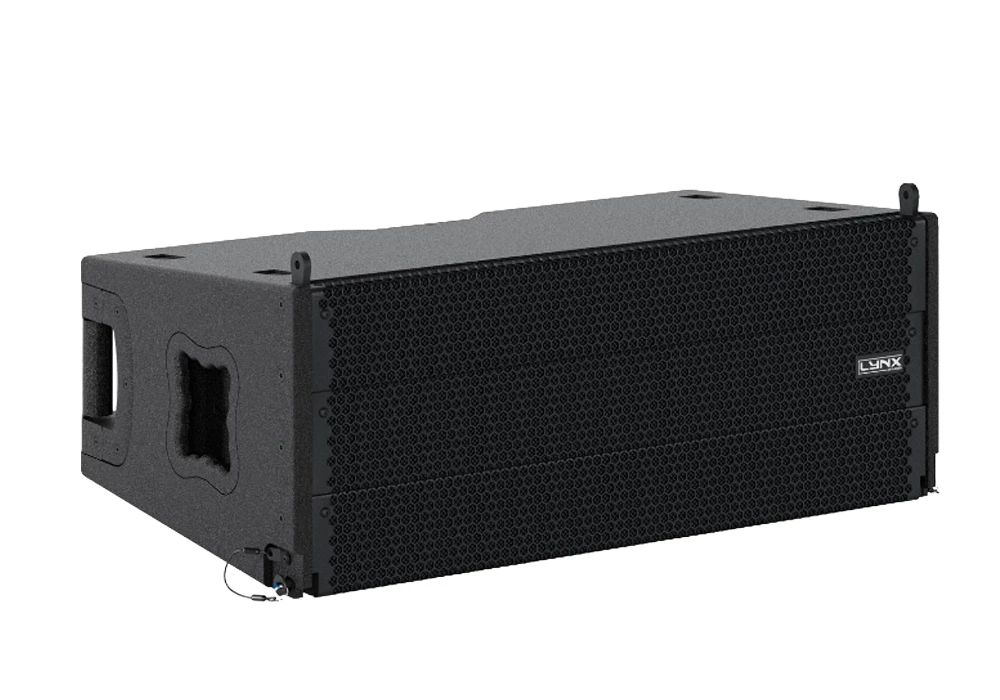





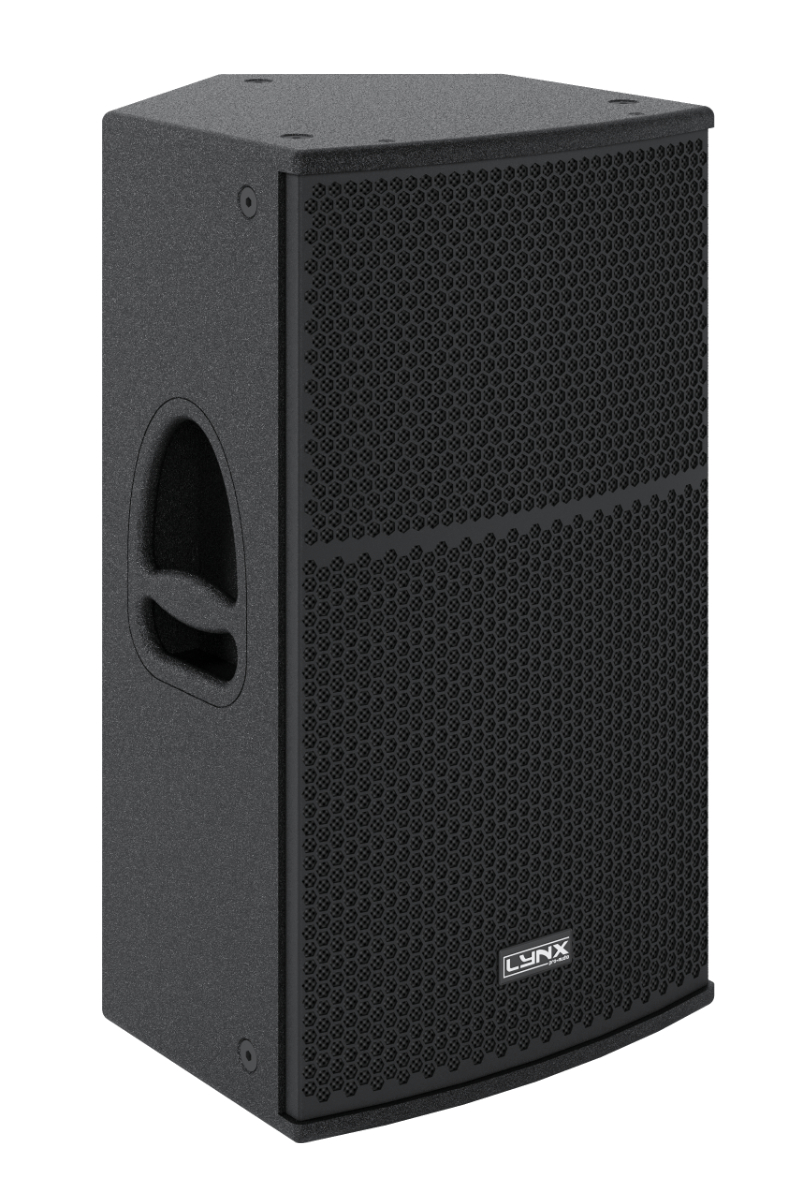
High Output, self powered (class D switch mode power supply with PFC), two-way cabinet.

The GXR-12 enclosure is a multipurpose full-range self-powered that stands out for its high performance. It does not need to carry an external amplification rack and is ideal for a wide variety of applications, both in fixed installations and portable applications since its trapezoidal design allows it to function even as a stage monitor.
Consists of a 12”(2.5”voice coil) transducer with a 1”compression driver with a polyimide diaphragm mounted on a 90ºH x 40ºV precise directivity horn. DSP (FIR Filters) controlled with 1400W amplification, 127dB SPL. This system can be controlled online in real time.
A complete range of accessories facilitate its use on tripod, wall hanging, ceiling, satellite mode, etc. To facilitate its transport, a robust flight case is available where two enclosures can be found next to its wiring. There is also a practical nylon case available.
Perfectly suited for:
60 Hz – 20 KHz (-10dB)
66 Hz – 18 KHz (± 3dB)
127 dB
90º x 40º constant directivity horn. Rotatable
Internal Lynx Processor DSPB-FL.
96 KHz / 64 bit double-precision, DSP with FIR filter linear phase
User control interface with 2.8″ IPS screen
Ethernet optional / USB (DSP programming)
Analog / AES3 (optional)
90 – 264V. 50/60 Hz with PFC
16A Neutrik powerCon TRUE1 TOP with looping output
Polyurea coating, black colour
15 mm premium birch plywood
639 x 370 x 386 mm (H x W x D)
23.5 kg (51.7 lbs)

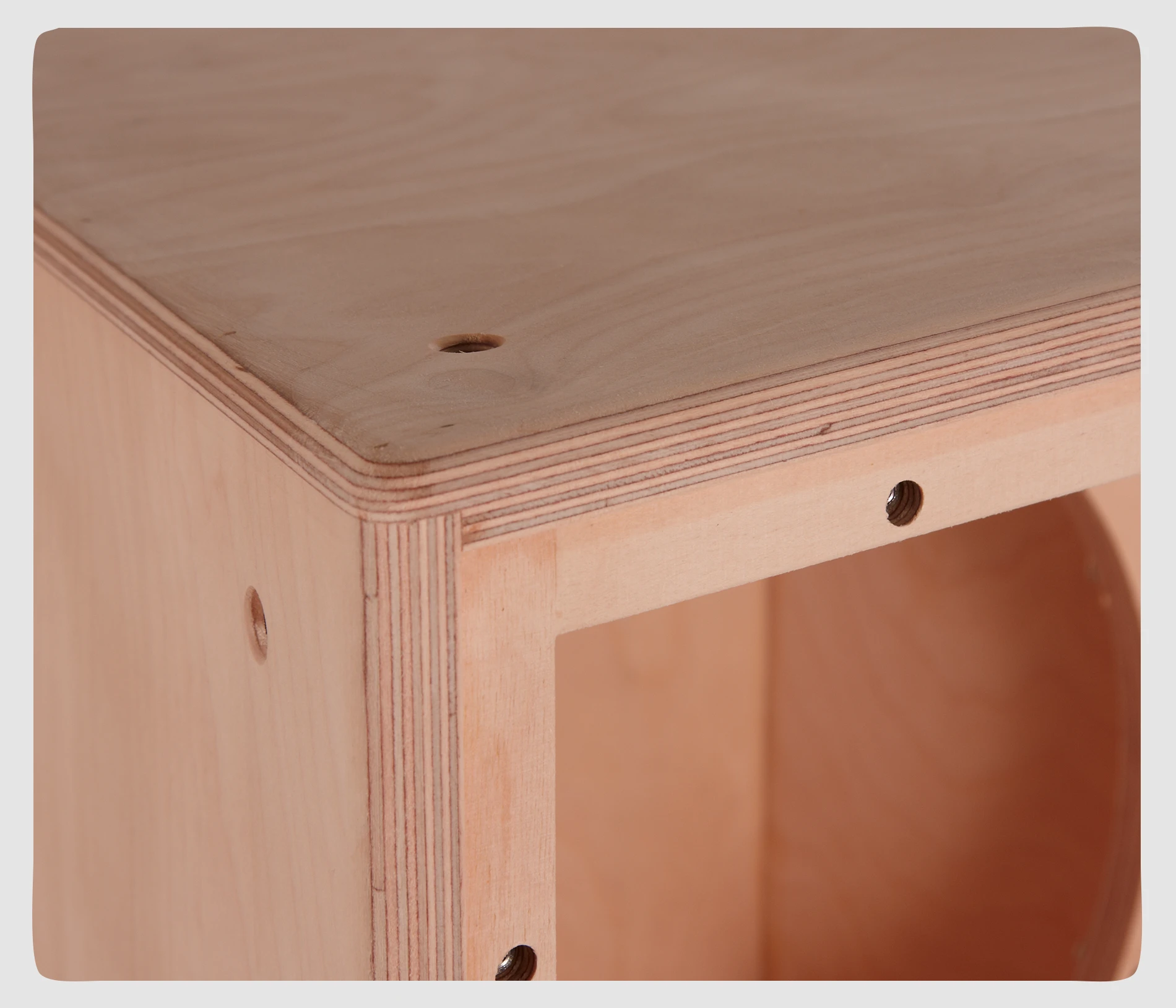
The GXR-12 cabinet is constructed from 11-ply premium birch plywood (15mm thickness) and finished with polyurea coating.
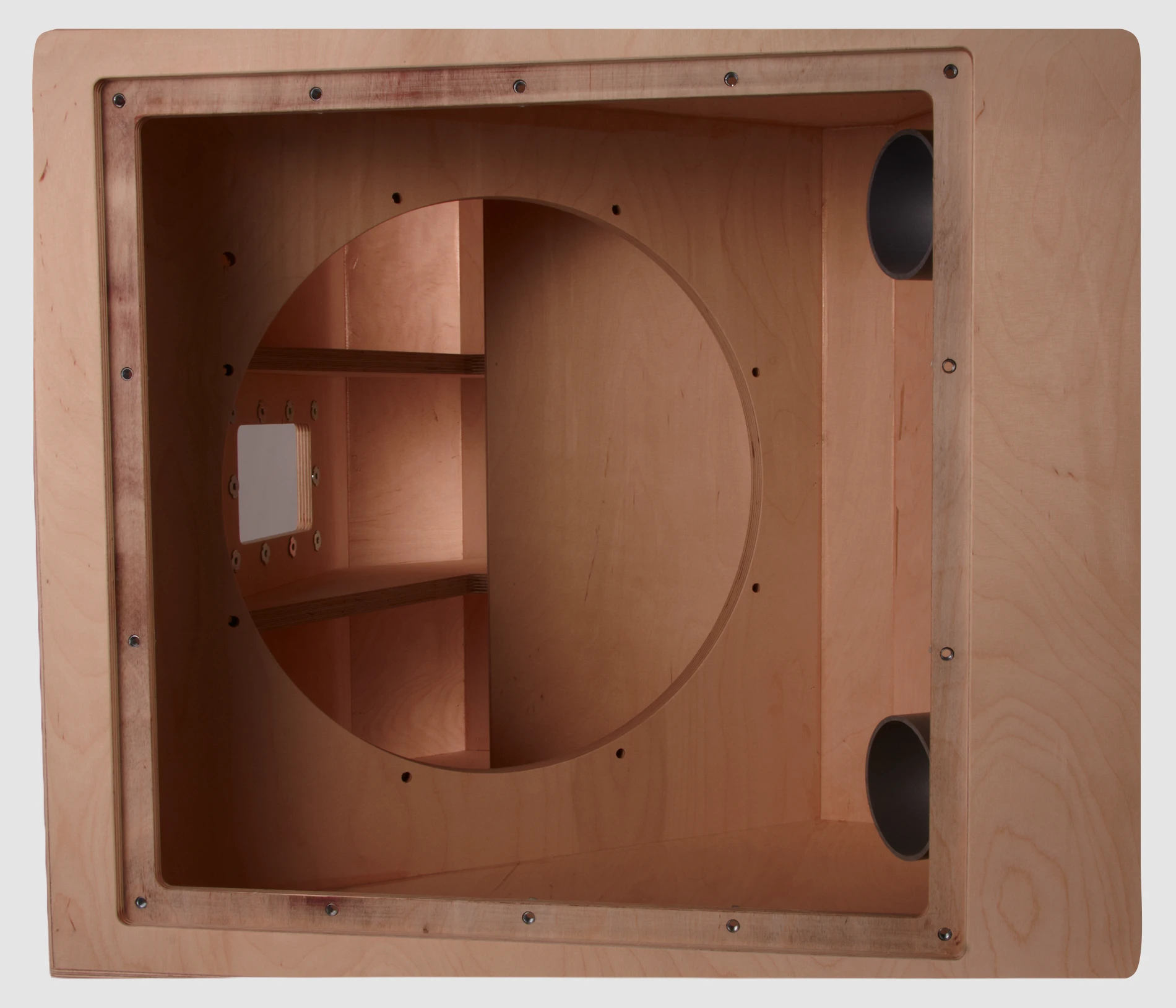
The internal structure of the GXR-12 is heavily braced for greater longevity and all parts are assembled on metal inserts with metric screws. The amplification modules & DSP are housed in a separate chamber to the drivers avoiding excessive heat & vibration, thus delivering greater efficiency and reliability.
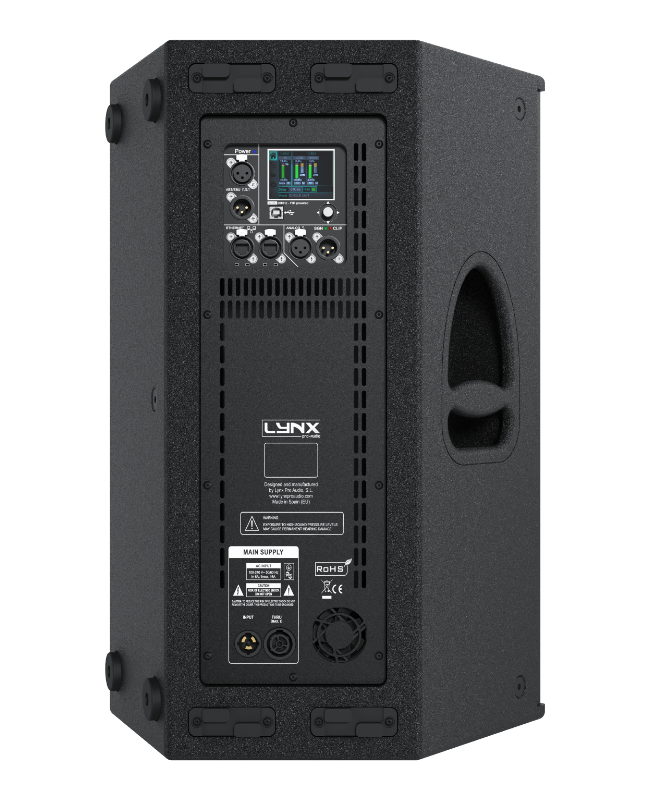
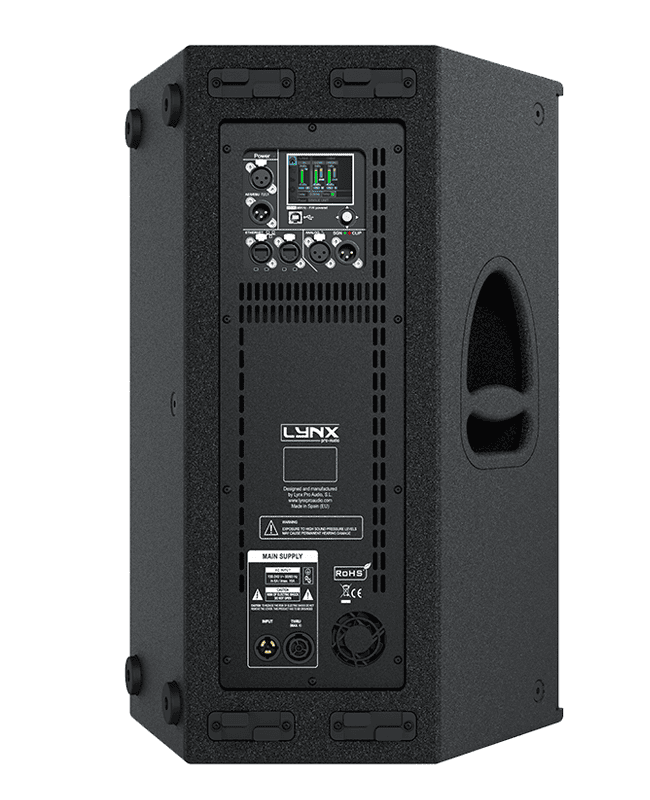
The powder coated steel rear panel contains all connections and houses the GXR-12 amplification modules and DSP, is easily accessible and housed separately from the drivers for increased reliability and efficiency.
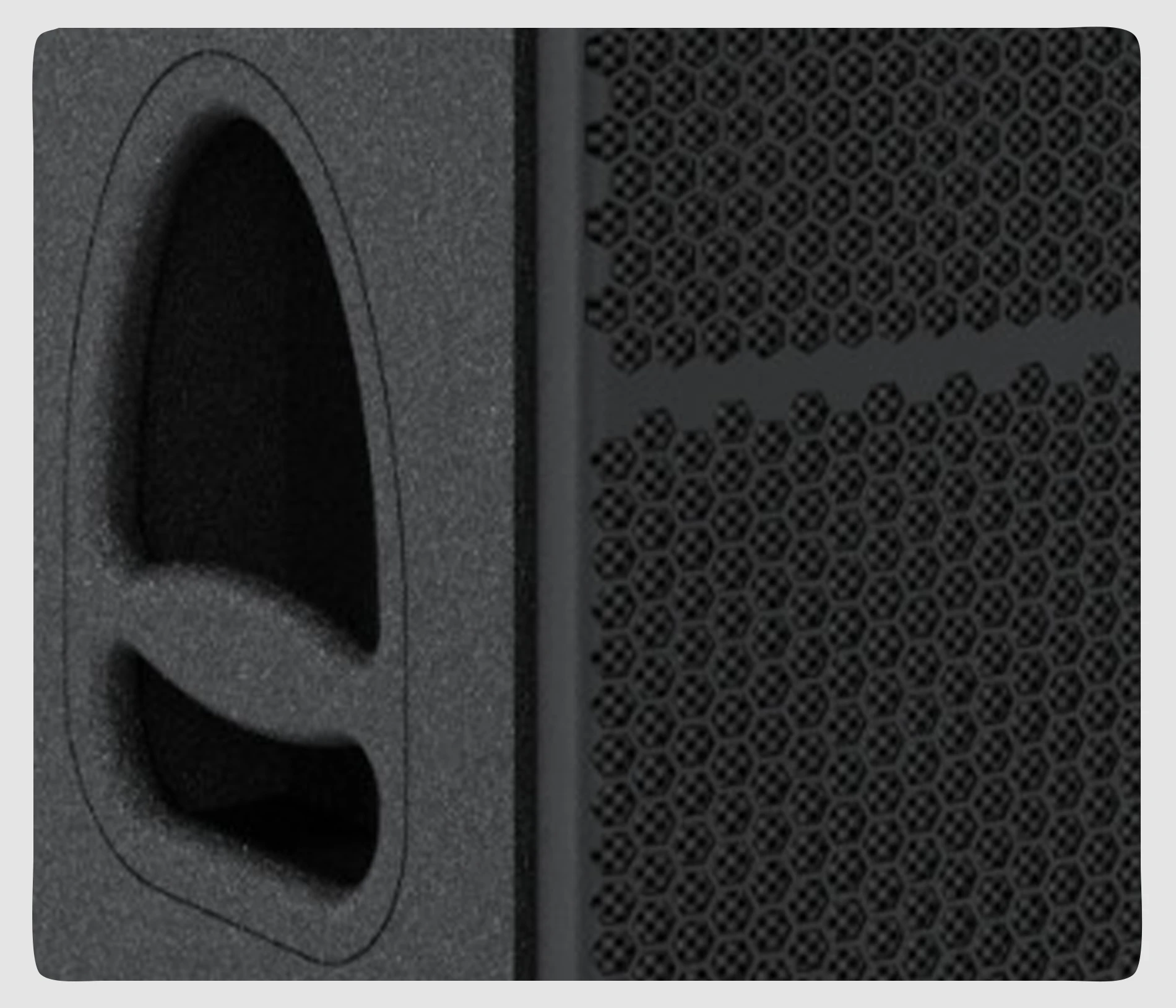
The GXR-12 has a heavy duty, powder coated front grille with a special acoustic rear fabric to protect the transducers against dust and dirt.
Handles are integrated in to the side plates of the GXR-12 to facilitate transport, positioning and loading of the cabinets.
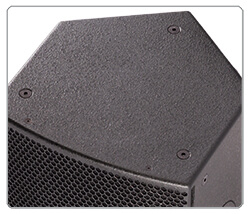
Three fixing points are integrated on the top of the enclosure to facilitate its installation.
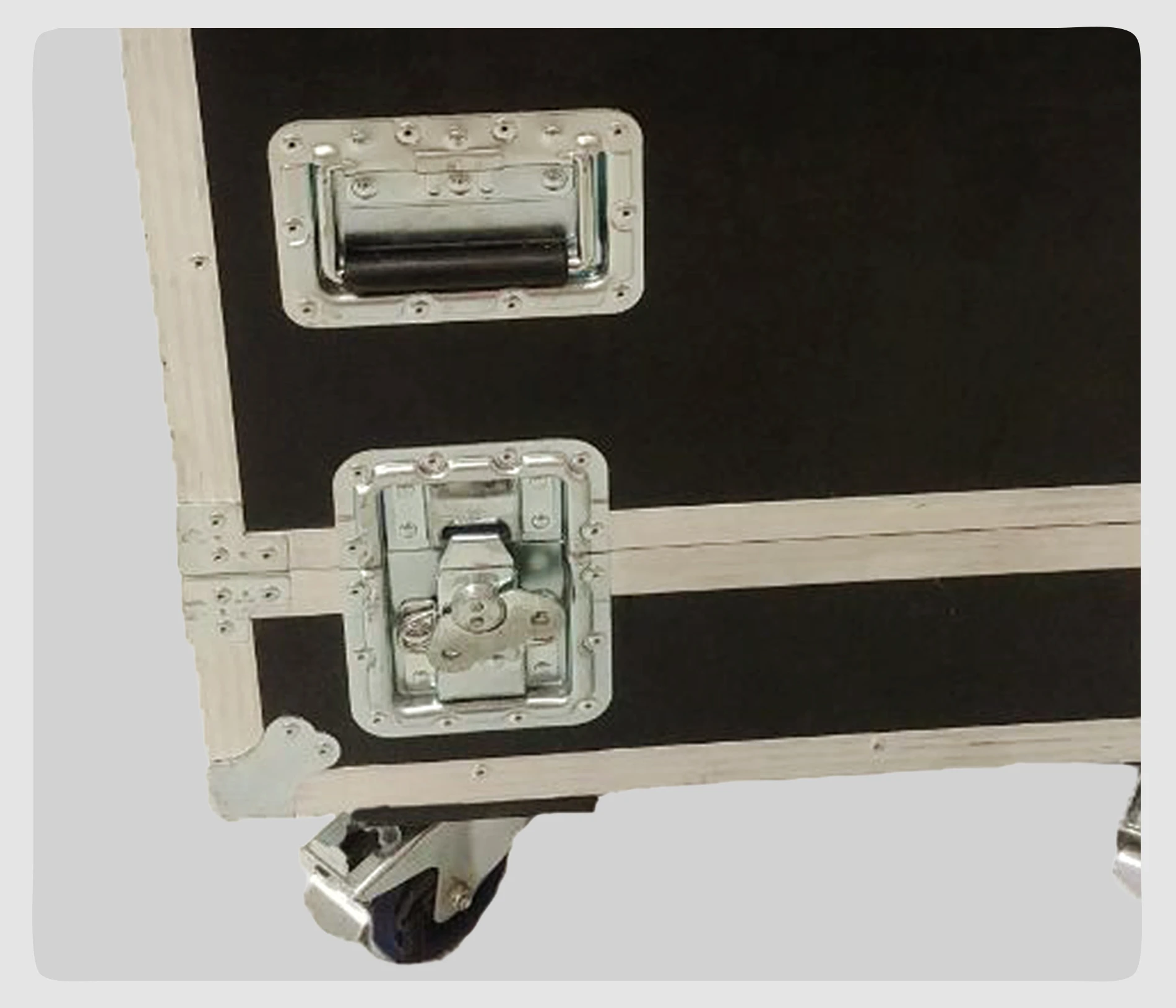
A durable flight case is available to transport two GXR-12.
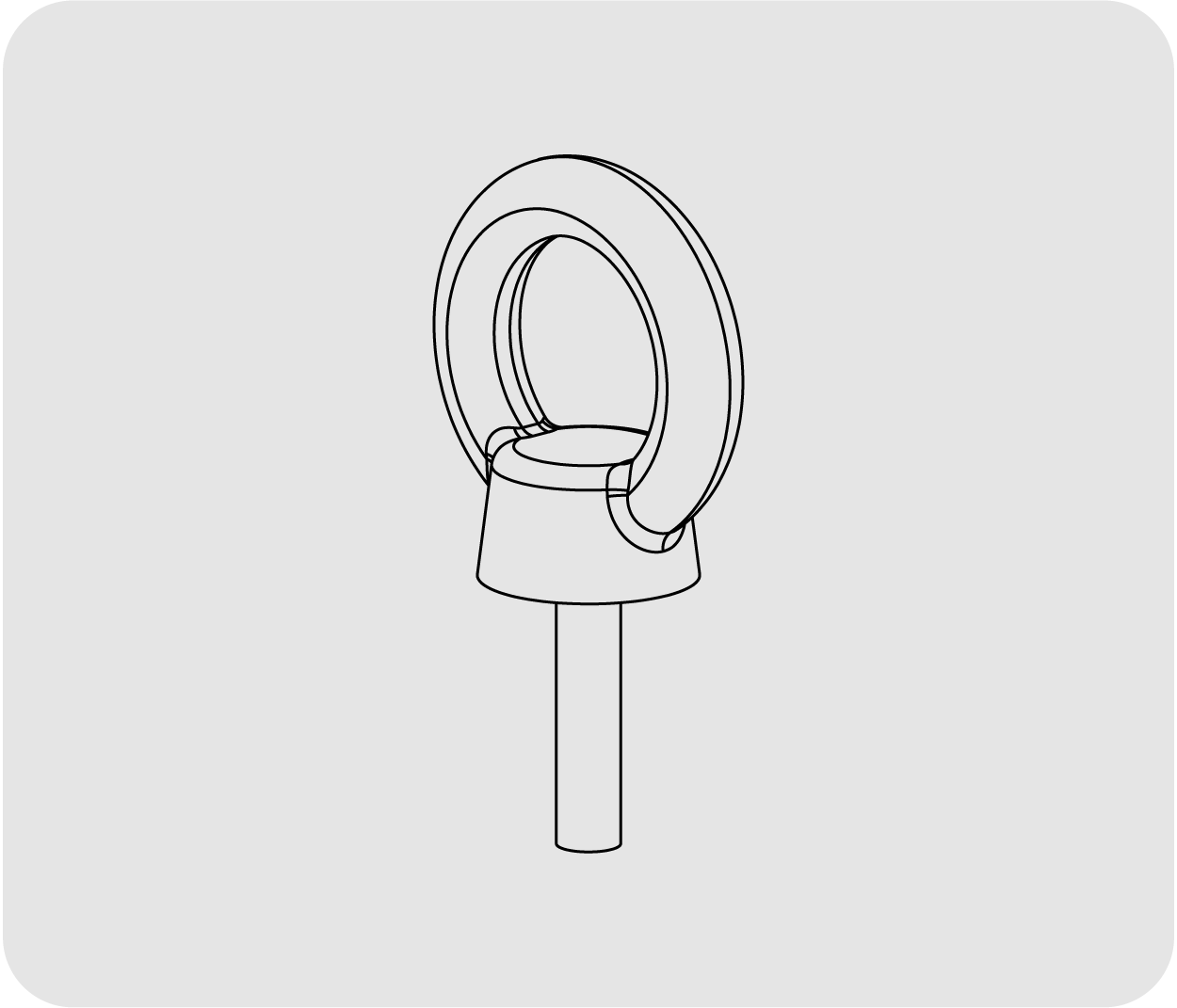
Eye bolt for the GXR-12
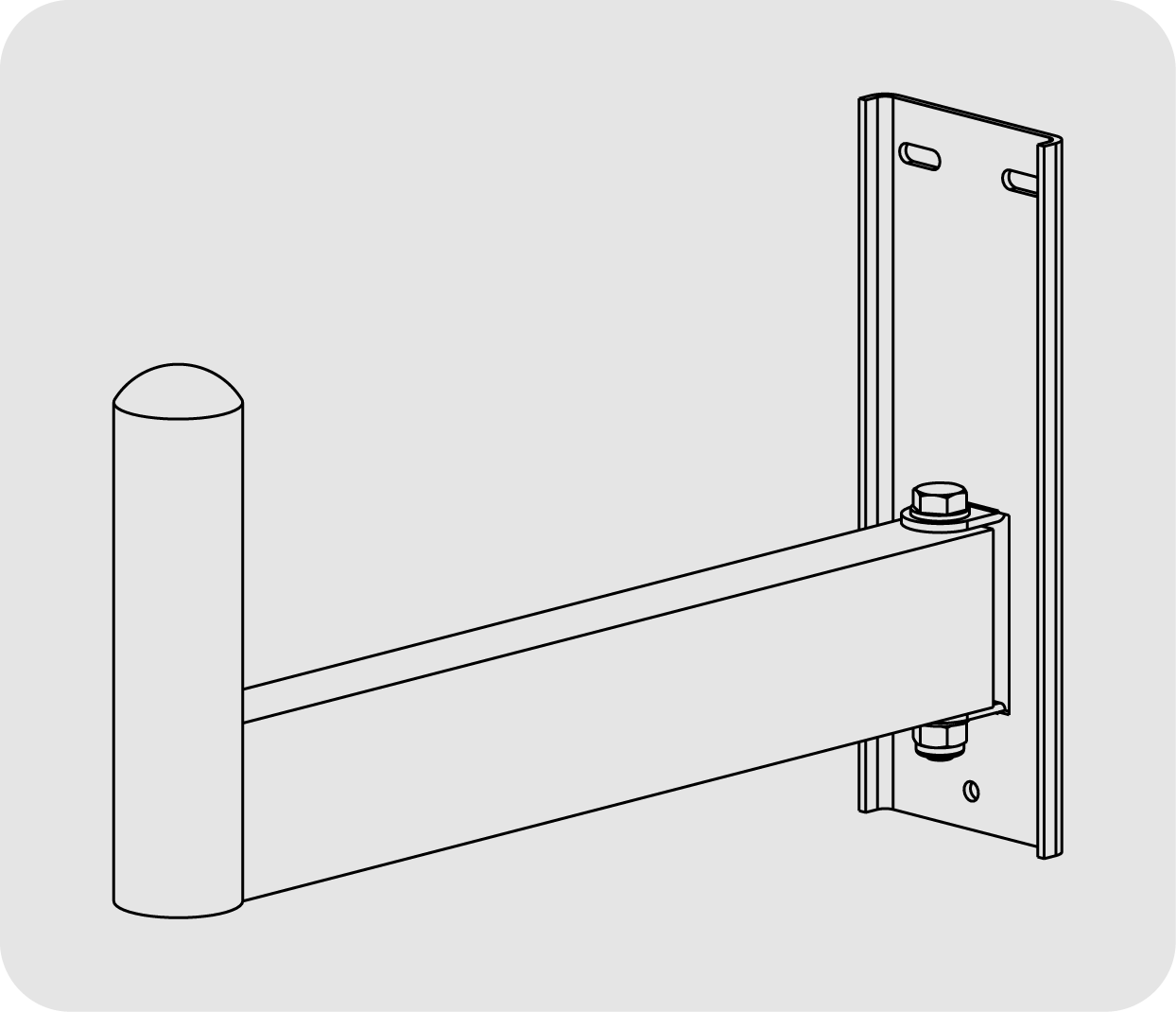
Wall bracket for the GXR-12 for top hat insertion
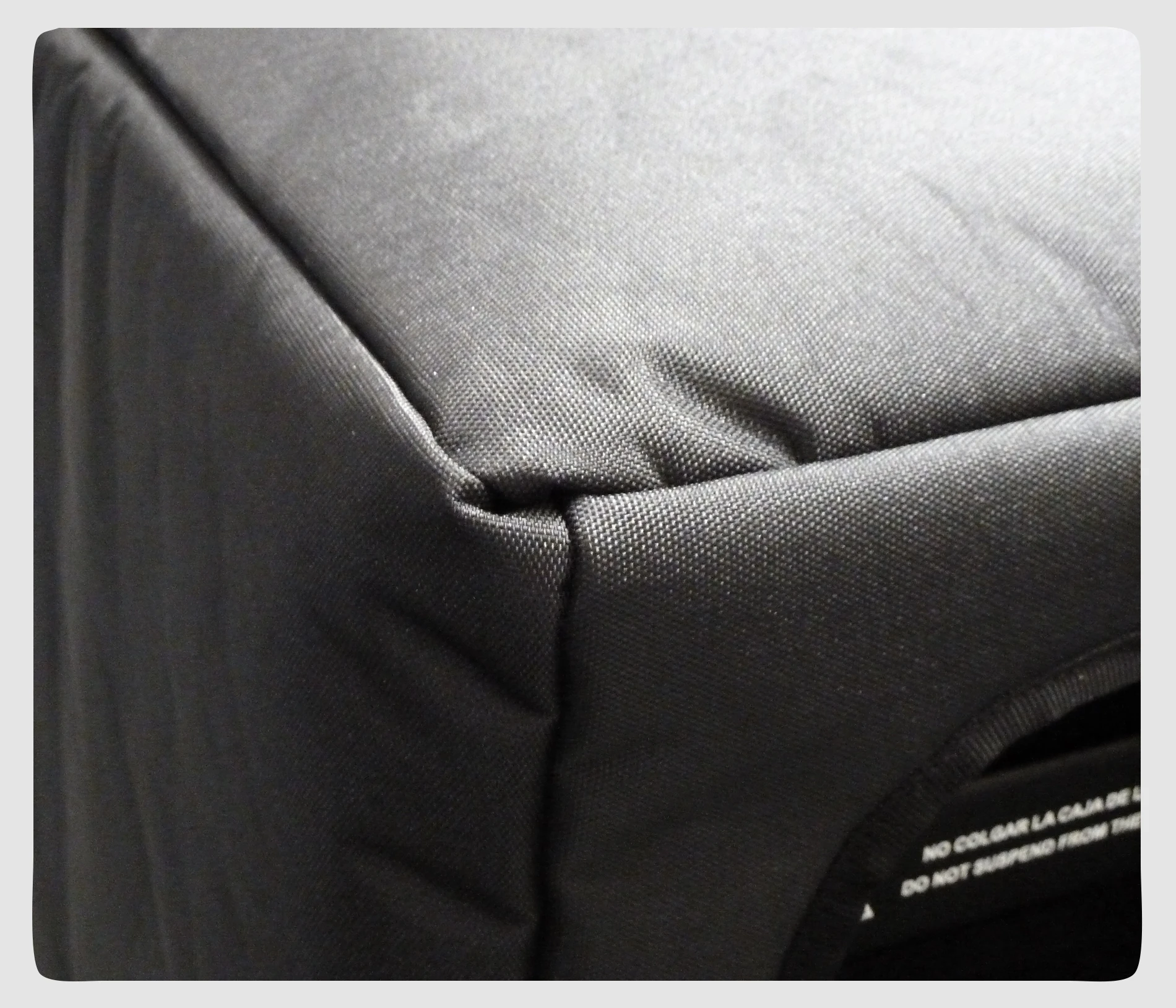
Nylon protection cover for the GXR-12
Flight case for 2 GXR-12
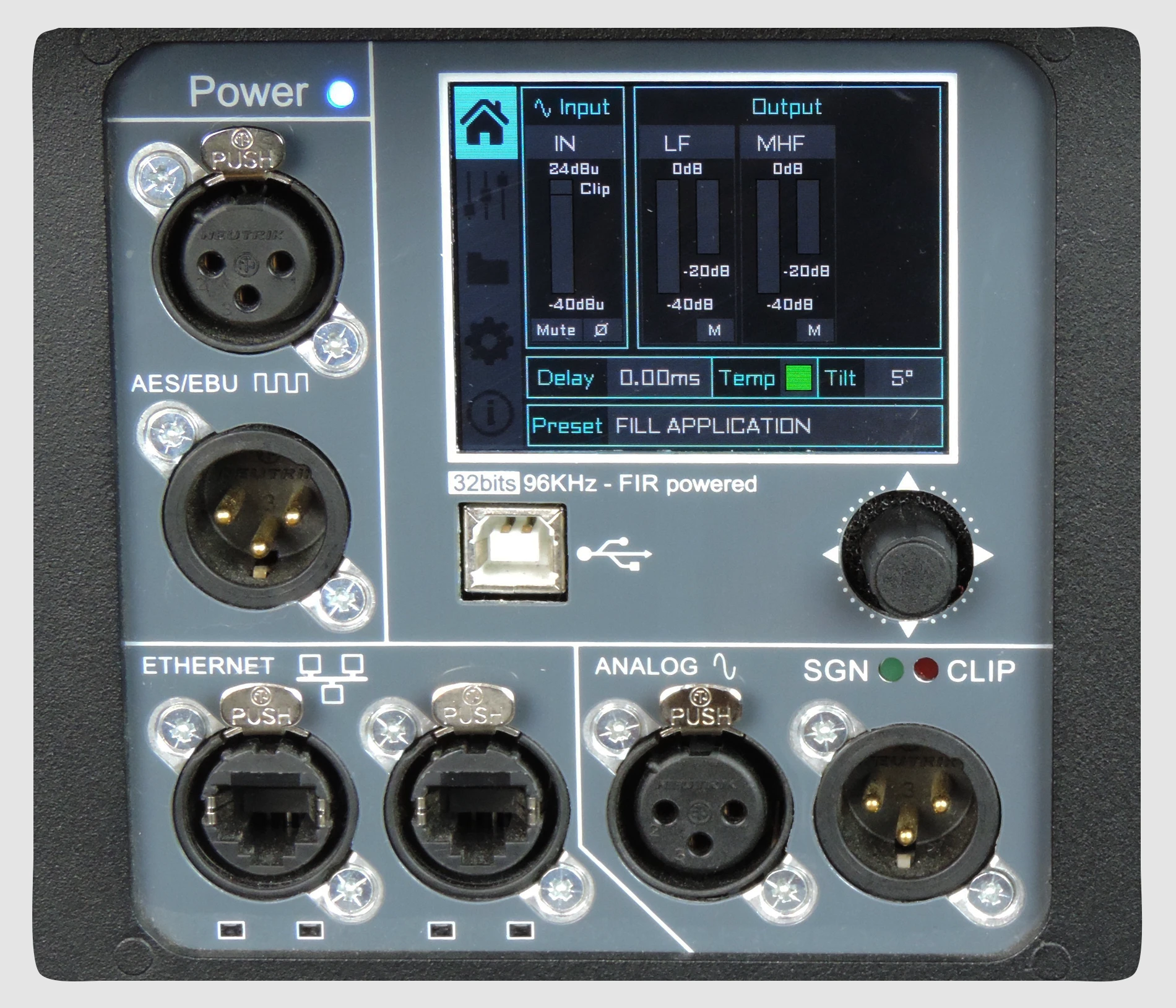
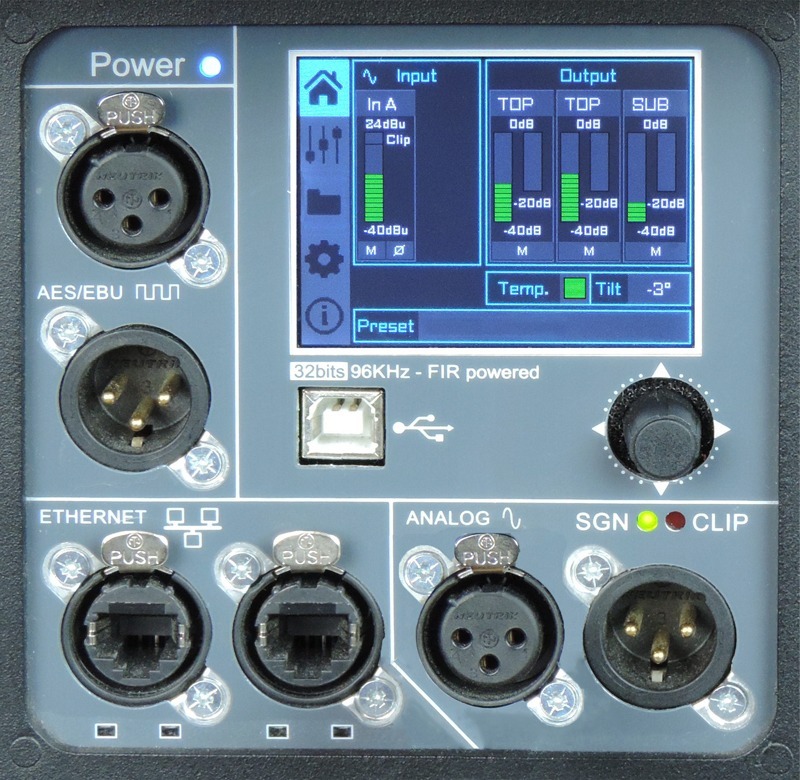
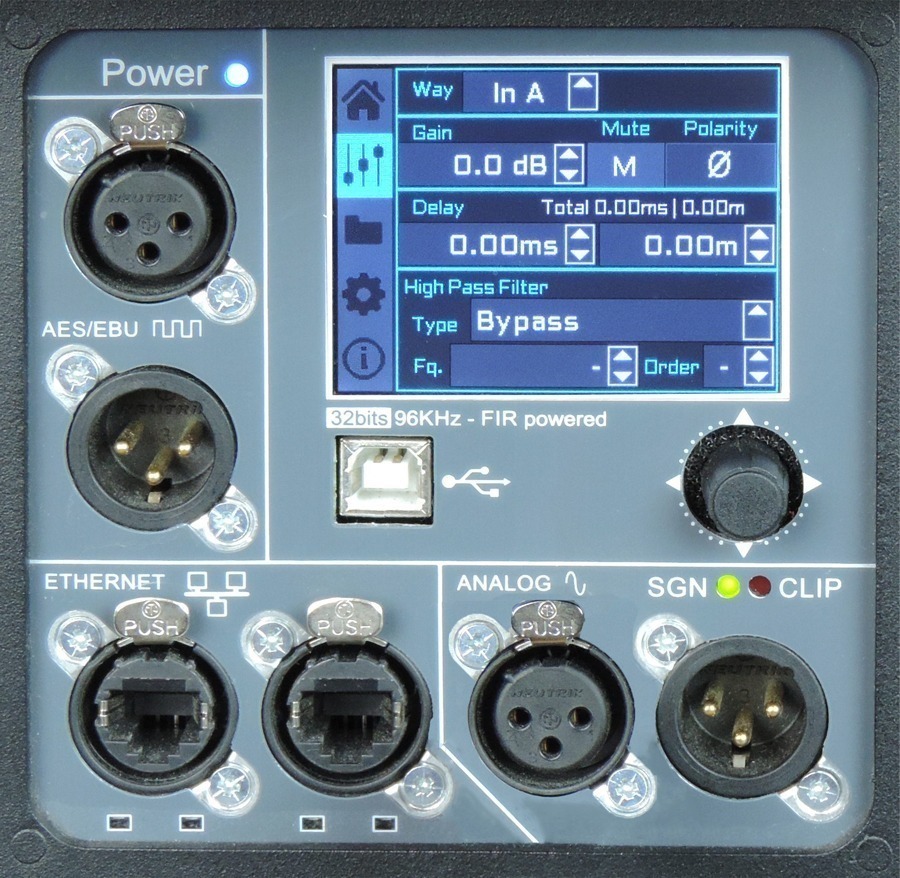
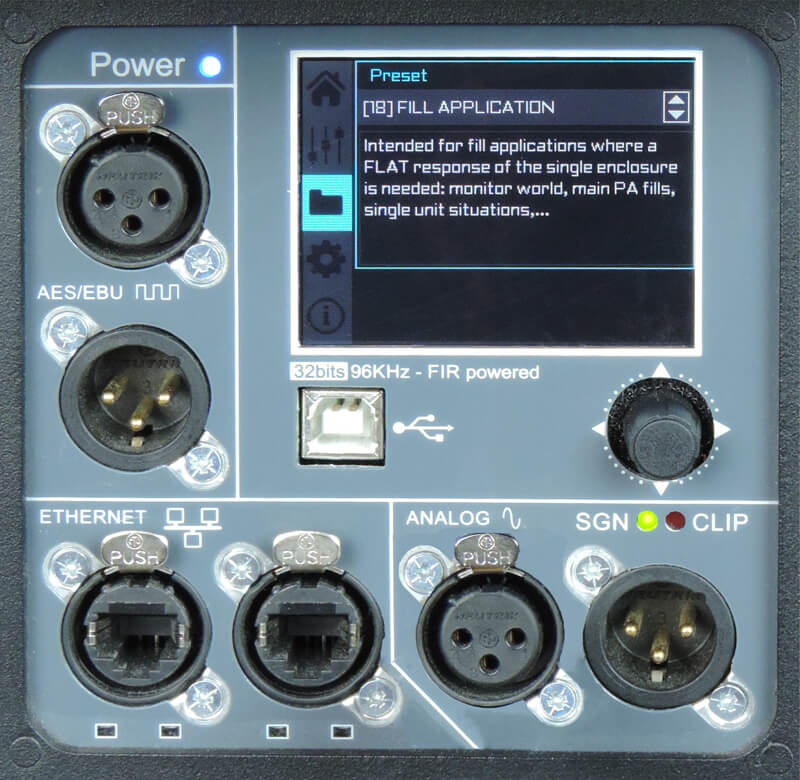
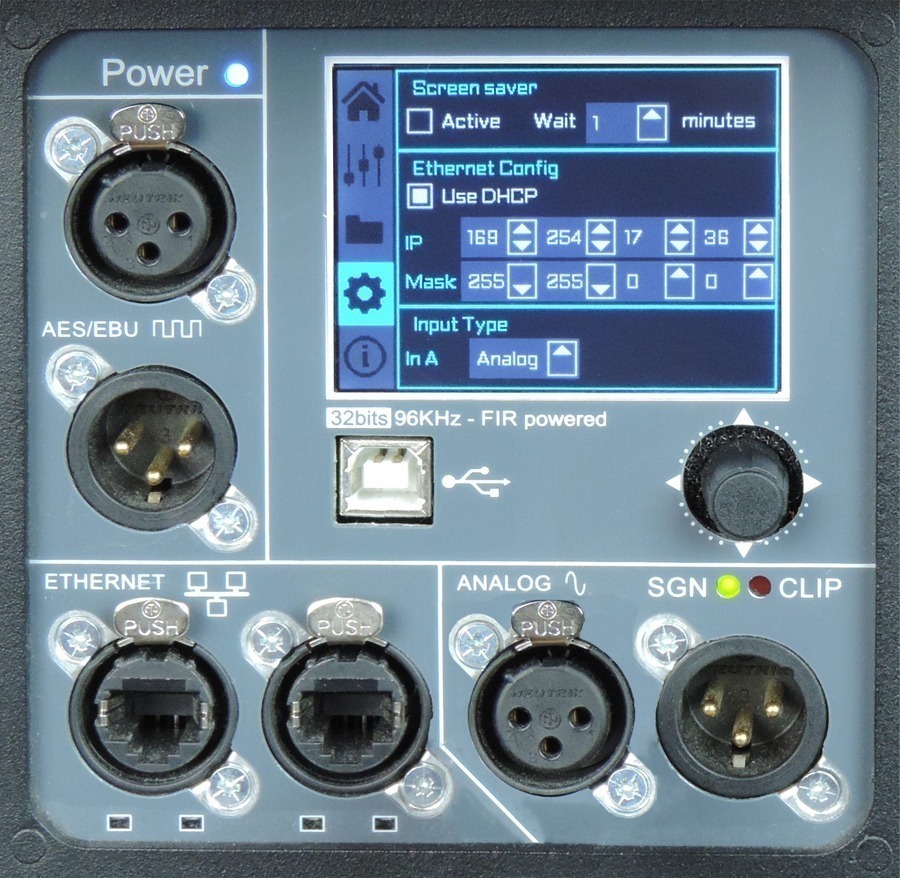
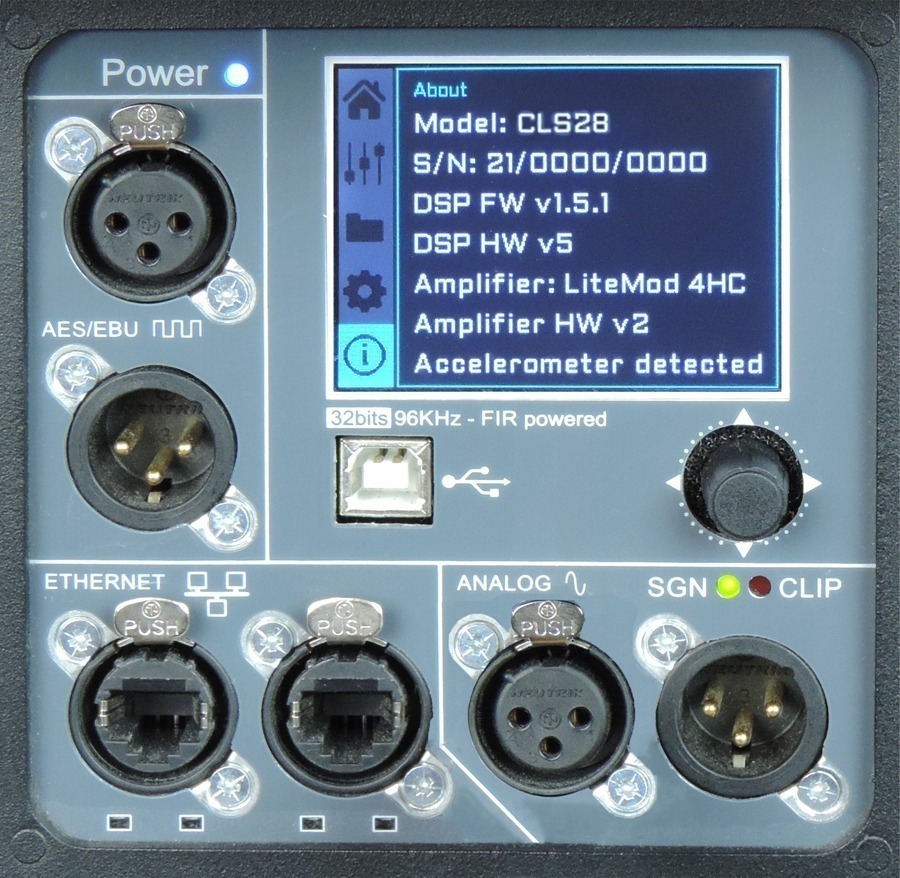
On the back pannel of the cabinet you will find the digital control area. From the compact joystick located below the screen you are able to configure the basic adjustment functions of the internal DSP.
Just move the joystick to select the icons on the left of the screen. You can enter into the following functions: Home, settings, folder, configuration and information. Please note that you must apply the desired configuration in each one cabinet and requires electrical power to work.
If changes are not made the display will automatically dim to avoid unnecessary light in situations where light is not wanted. To re-activate the light simply press the joystick.
The following screens are an example and may vary slightly for each cabinet.
On the main screen you can see the cabinet’s input and output:
• Input: You can see a vumeter with the input level and a clip signal.
• Output: You have a vumeter with the output level (0 dBu is the amp’s maximum level) You can check the compressor and control the dynamic activity.
This panel allows you to change the gain, polarity, mute and the delay for the inputs.
You also have the possibility of putting a high pass, changing the type of filter, frequency and order.
The folder screen shows you the name of the preset and its description.
Using the joystick you can change the preset.
This screen is to configurate Ethernet. You can choose automatic or manual.
You can also configure the screen saver.
And here you have the input selection. You can choose between analog or AES3 for channel 1 or channel 2.
The last screen shows you some general information regarding the cabinet’s components.
Here you can see the cabinet model, its serial number, DSP firmware and hardware versions, amp module model with hardware version, as well as the accelerometer status.
Subscribe to our newsletter and receive information about products, our latest facilities, and other news.
Official Sponsor
Copyright © LYNX PRO AUDIO