





Search
Close this search box

GXR-LA210A

Powered line array

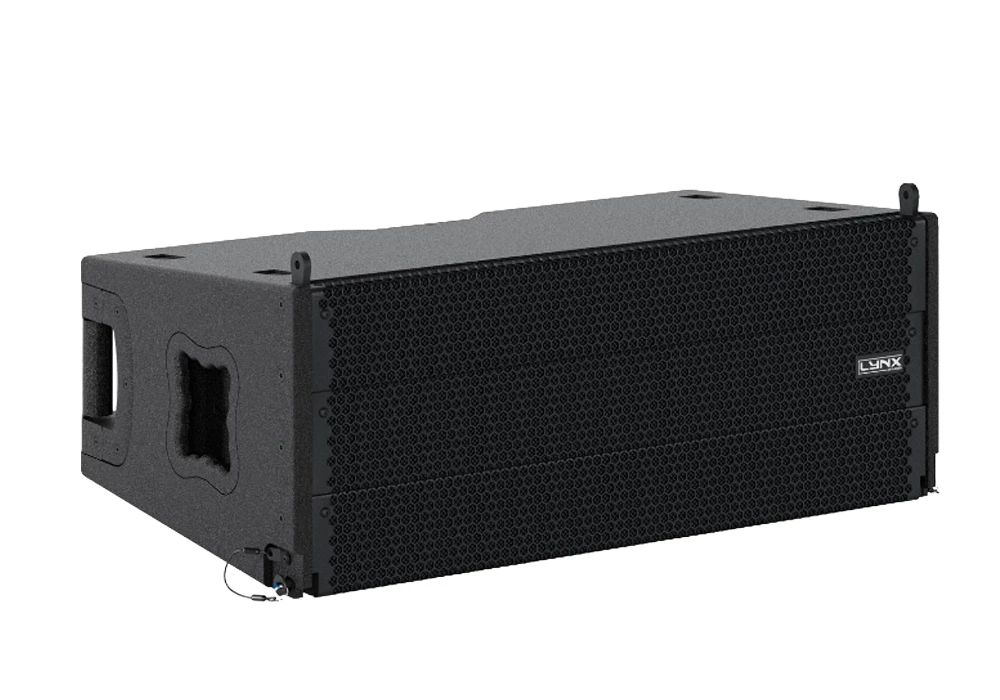
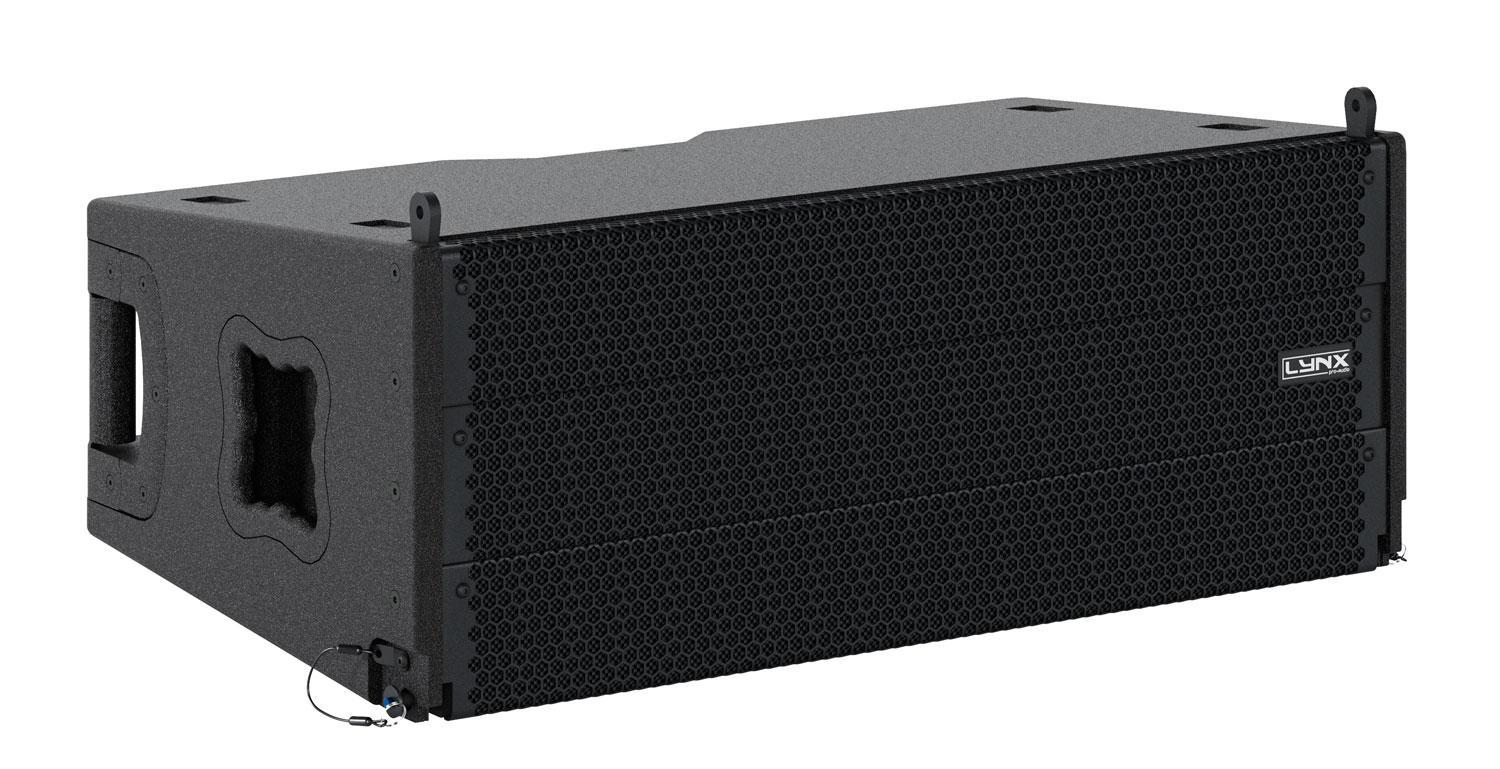
Compact, self-powered class D, two way line array equipped with two 10″ speakers (2″ voice coil). For the High frequencies it uses a 1.4″ output compression driver coupled to a waveguide (100°H x 10°V). It delivers high power levels from a very compact format.

Also available in bi-amp.

The GXR-LA210A is the ideal solution for install projects and live events where a powerful but compact line array is required.

The GXR-LA210A is a self-powered (Class D), two-way enclosure that delivers high power levels from a very compact format. It uses two 10″ (2″coil) speakers for the Low/Mid frequencies. For the high frequencies it uses a 1.4″ output compression driver coupled to a waveguide offering 100° H x 10° V coverage.

The system is very easy to use and can be controlled without the need for any external amps. To extend the low frequency response there are 2 options. The GXR-D15A is designed to be flown or stacked in perfect combination with the GXR-LA210A and when extreme low frequencies are required, the GXR-D18A is recommended.

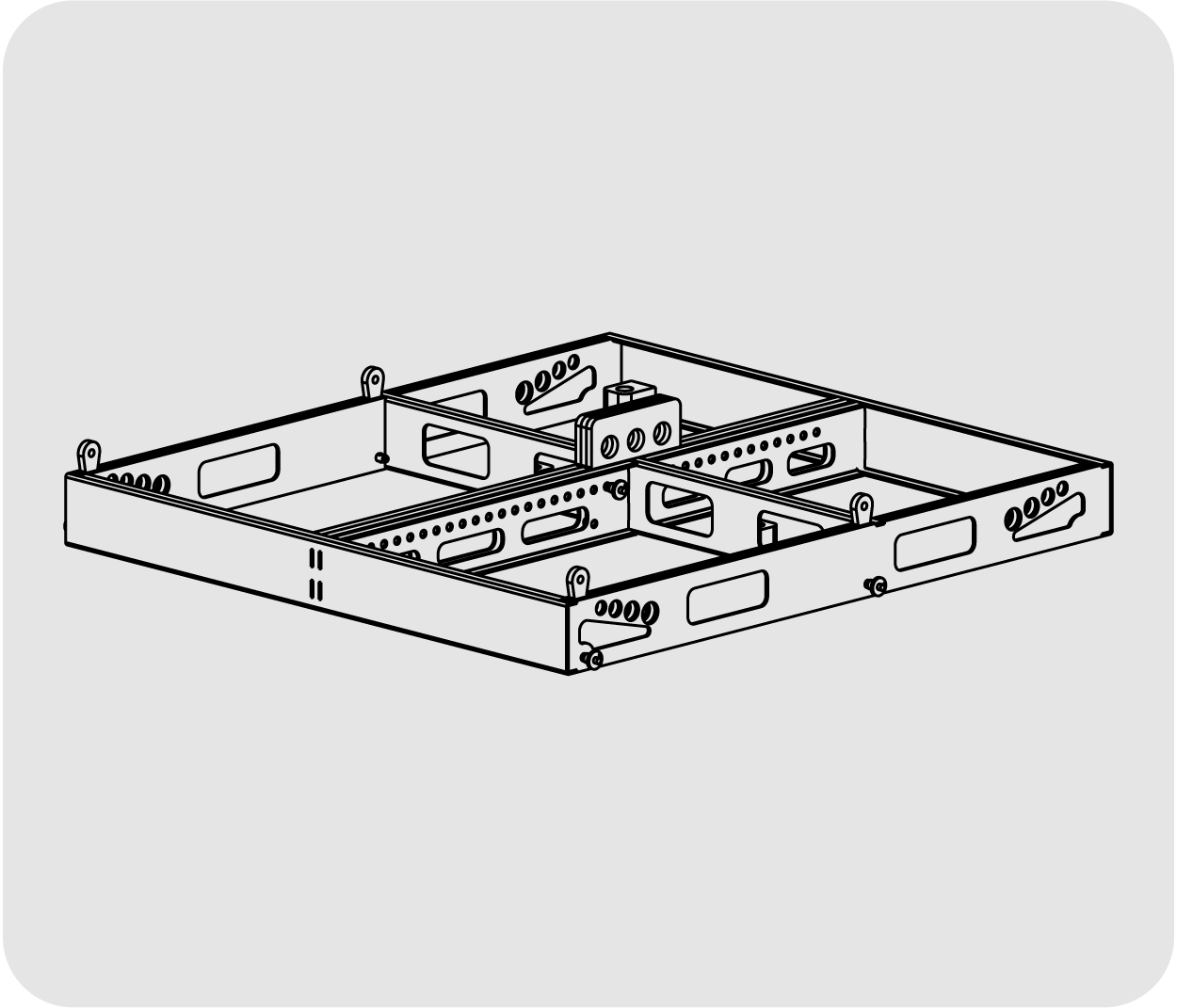
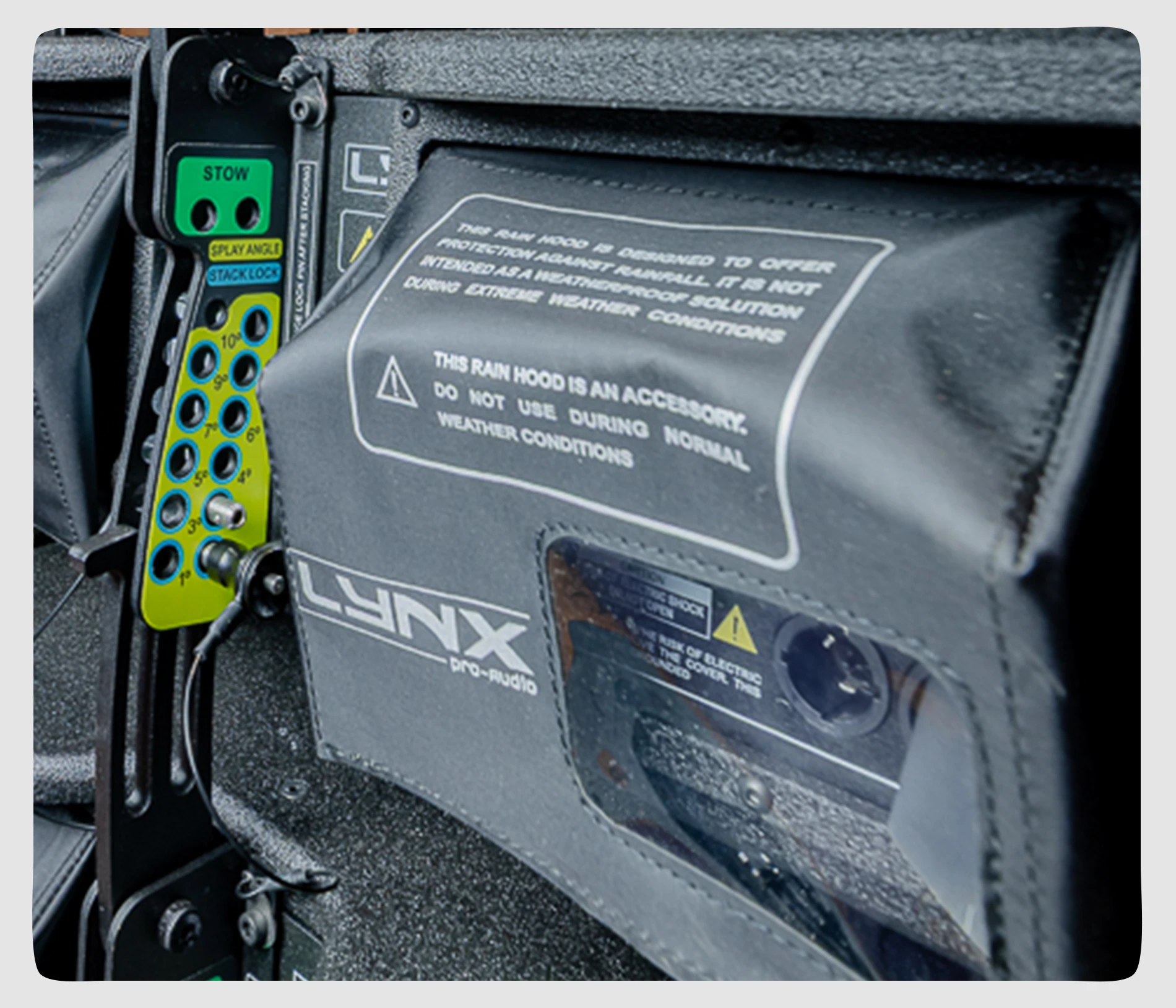
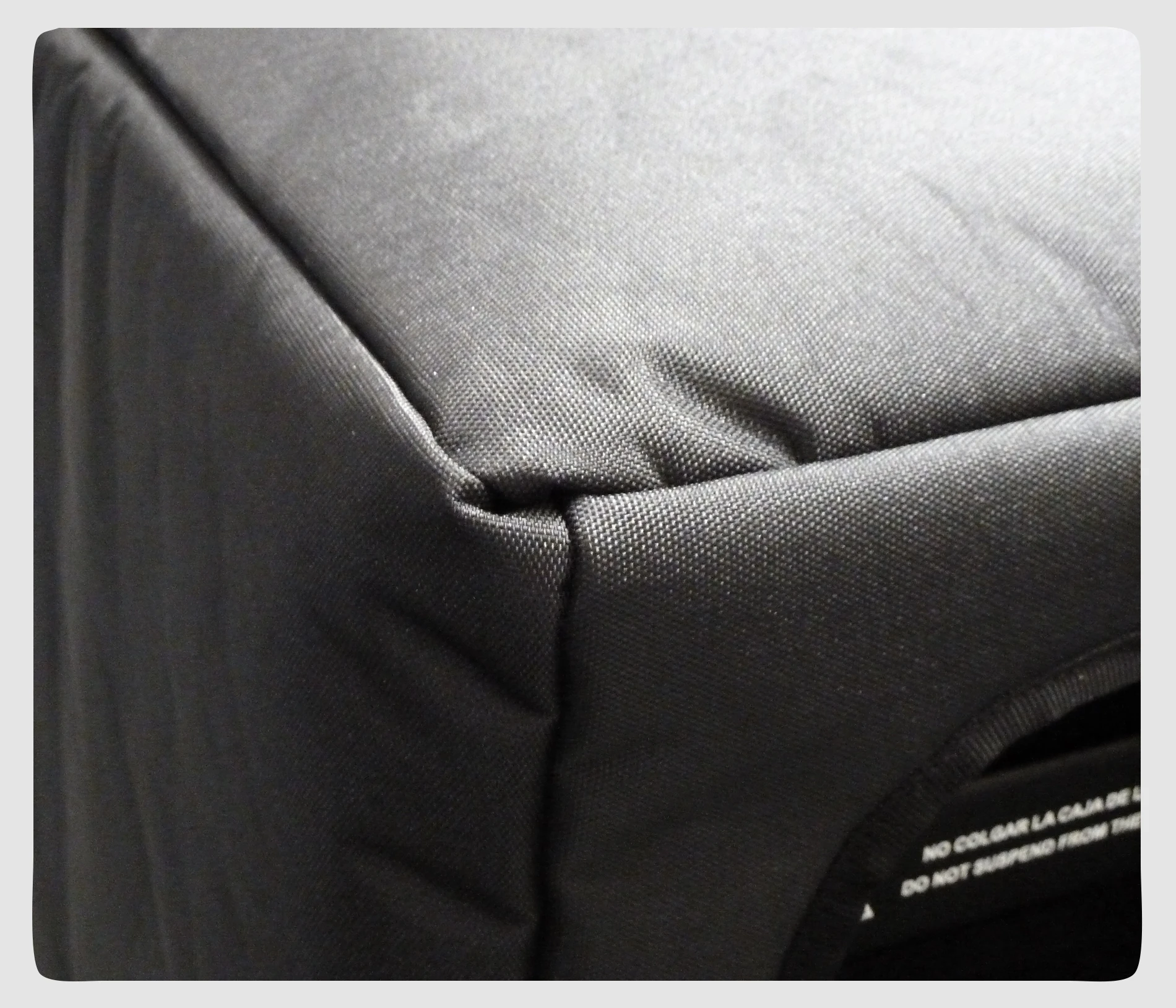
The GXR-LA210A has a selection of rigging hardware & accessories available: Flying frame, transport dolly, nylon protection cover, rain hood, etc.

Perfectly suited for:

  • Outdoor events
  • Houses of worship
  • Auditoriums
  • Large stadiums / arenas
  • Interior live PA
  • Theatres

• Extraordinary power-to-size ratio

• Unique 6.5” dual diaphragm planar wave driver

• Perfect acoustical coupling of individual units to create virtually continuous line source & excellent phase coherence

• Extended bandwith (60 Hz – 22 KHz)

• Integrated Digital processor (64 bit / 96 KHz) with FIR linear phase filtering

• Perfect Time Alignment avoiding Multi-Source Interference problems

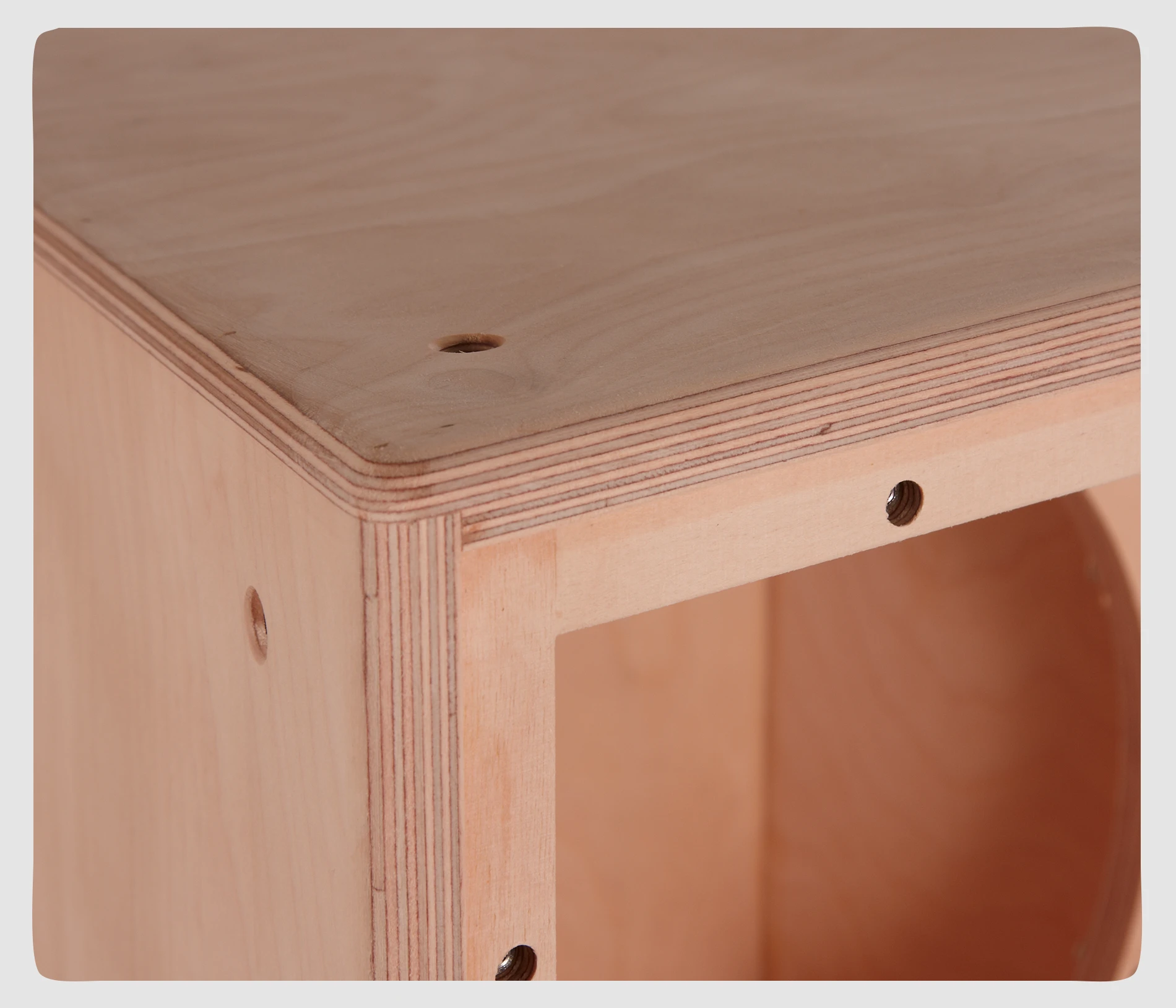
• Ergonomic design in premium birch plywood & finished in polyurea

• 2.8” IPS display with multifunction joystick control

Components
  • LF: 2 x 10″, 2″ voice coil, Malt Cross Cooling System
  • HF: 1.4″ exit throat, 3″ voice coil with titanium diaphragm
Frequency Range

60 Hz – 20 KHz (-10dB)

Frequency Response

68 Hz – 18 KHz (± 3dB)

Max SPL

135dB

Coverage Angle

100º H x 10 º V

Power
  • 1400W Class D with switching power supply & PFC
  • LF Amplifier: 1 x 800 W RMS, 1600 W peak
  • HF Amplifier: 1 x 600 W RMS, 1200 W peak
Processing

Internal Lynx Processor DSPB-FL
96 KHz / 64 bit double-precision, DSP with FIR filter linear phase

Control

User control interface with 2.8″ IPS screen

Control Connections

Ethernet (OCS) / USB (DSP updating)

Input

Analog / AES3 (optional)

AC Power

90 – 264V. 50/60 Hz with PFC

AC Connections

16A Neutrik powerCon TRUE1 TOP with looping output

Finish

Polyurea coating, black colour

Material

15 mm premium birch plywood

Dimensions

298 x 790 x 436 mm (H x W x D)

Weight

31 kg (68.2 lbs)

More features

Hardware for GXR-LA210A

Enclosure

The GXR-LA210A cabinet is constructed from 11-ply premium birch plywood (15mm thickness) and finished with high-resistant water based black paint.

Internal design

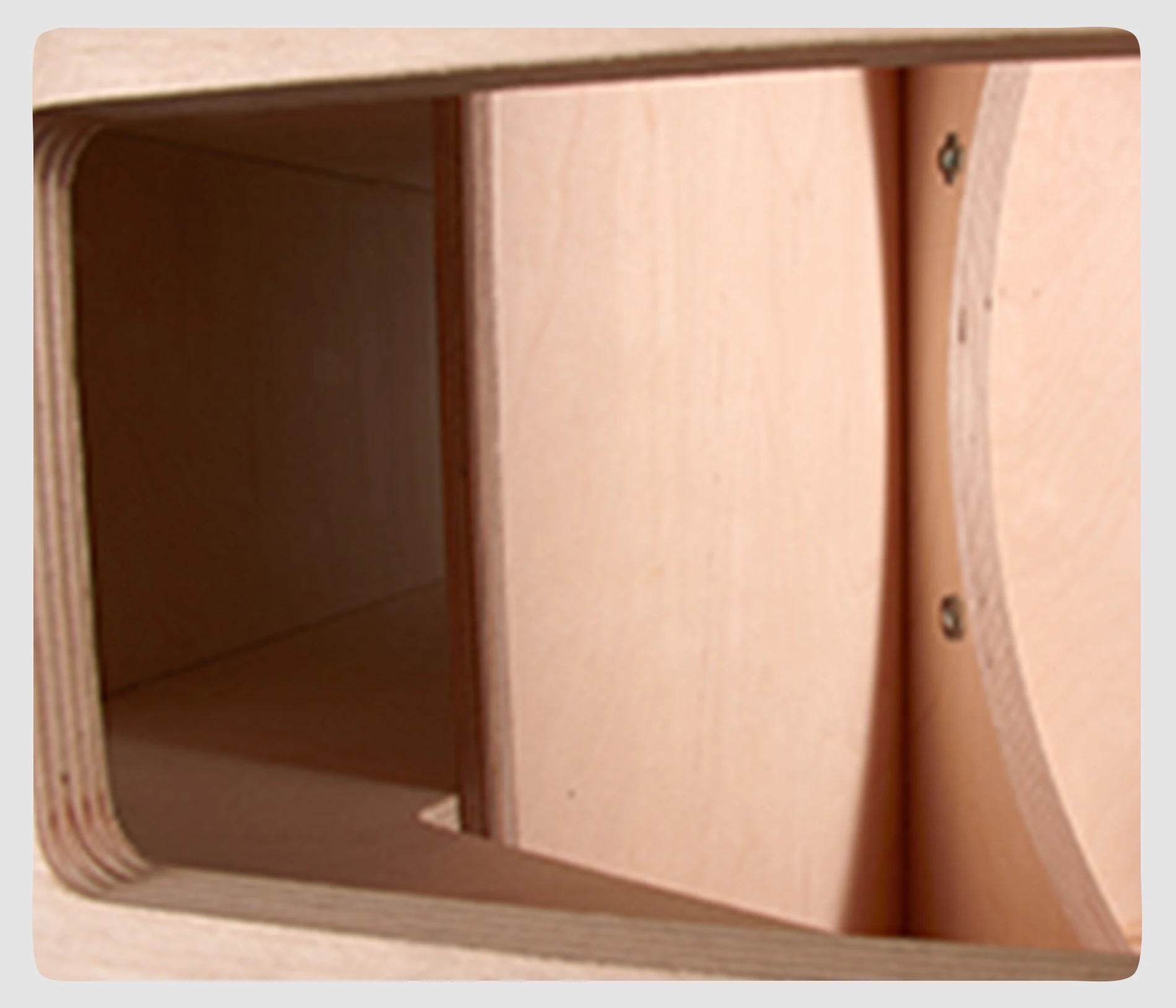
The internal structure of the GXR-LA210A is heavily braced for greater longevity and all parts are assembled on metal inserts with metric screws. The amplification modules & DSP are housed in a separate chamber to the drivers avoiding excessive heat & vibration, thus delivering greater efficiency and reliability.

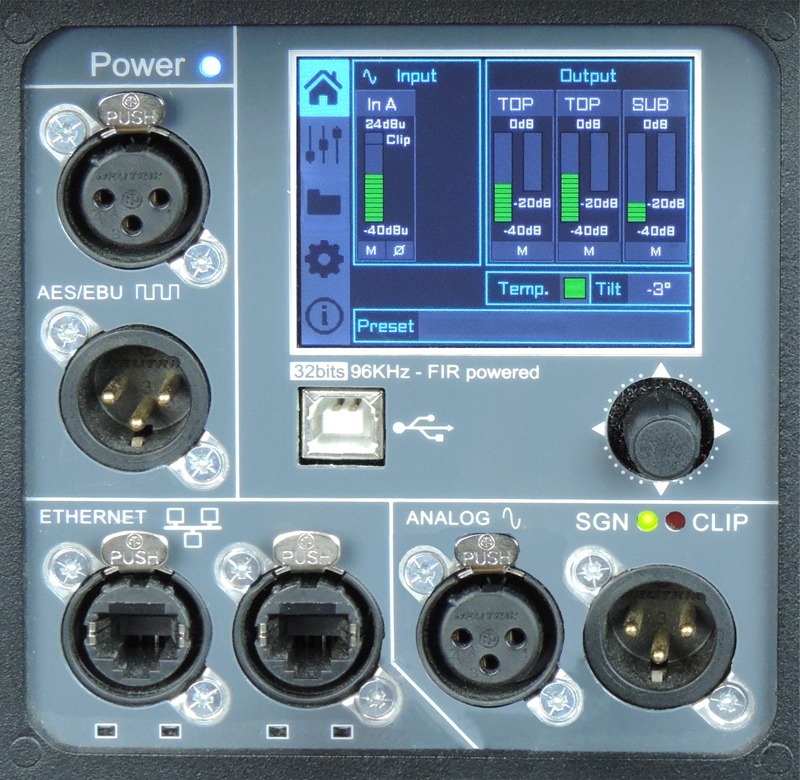
Rear panel

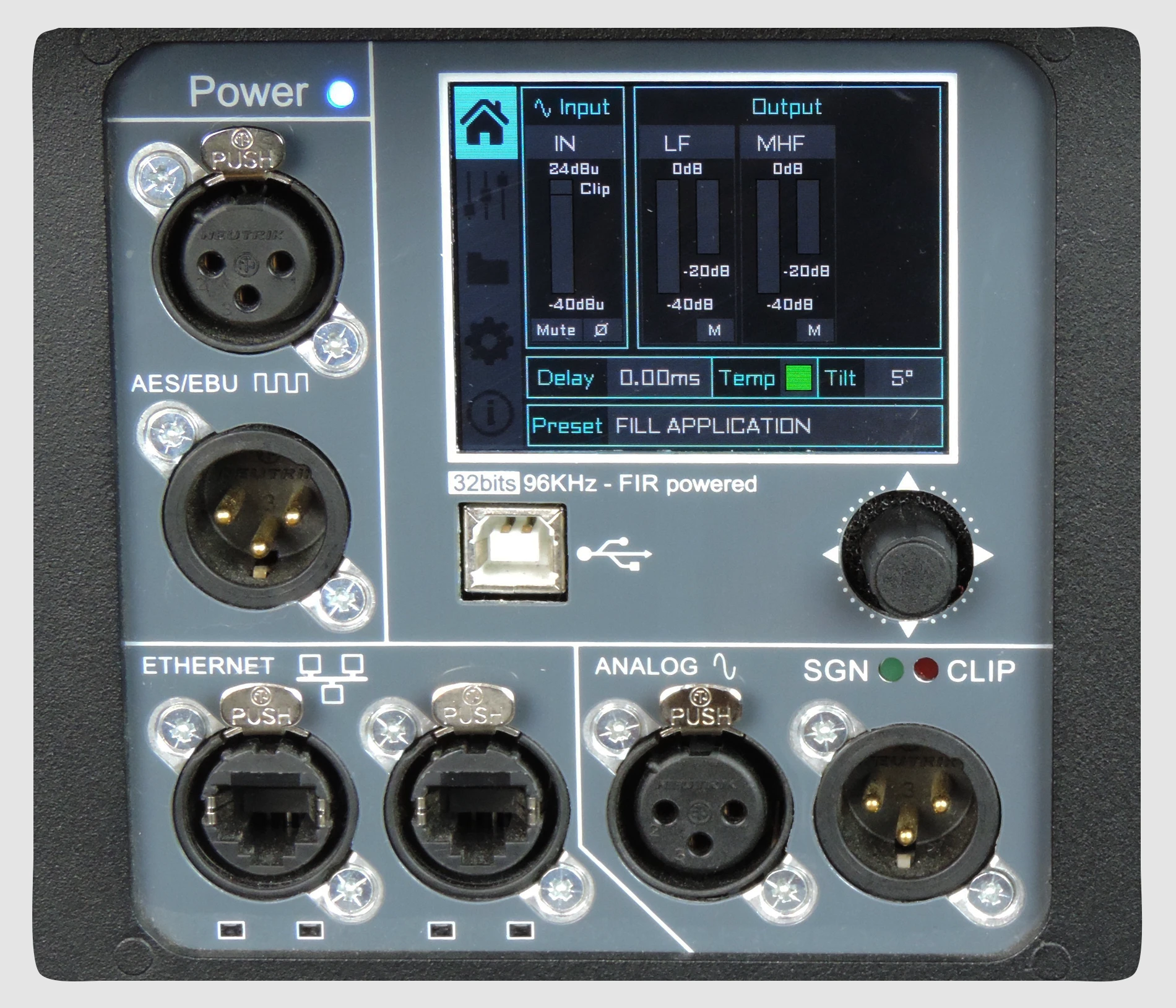
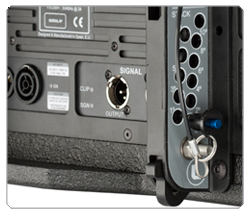
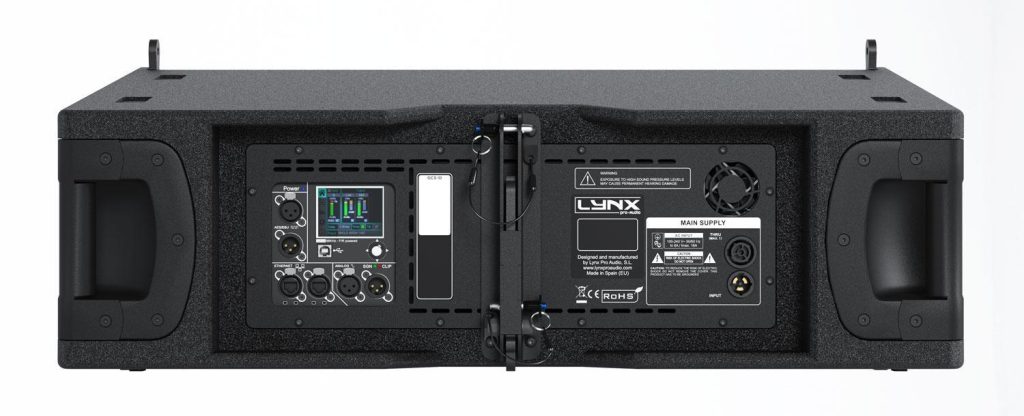
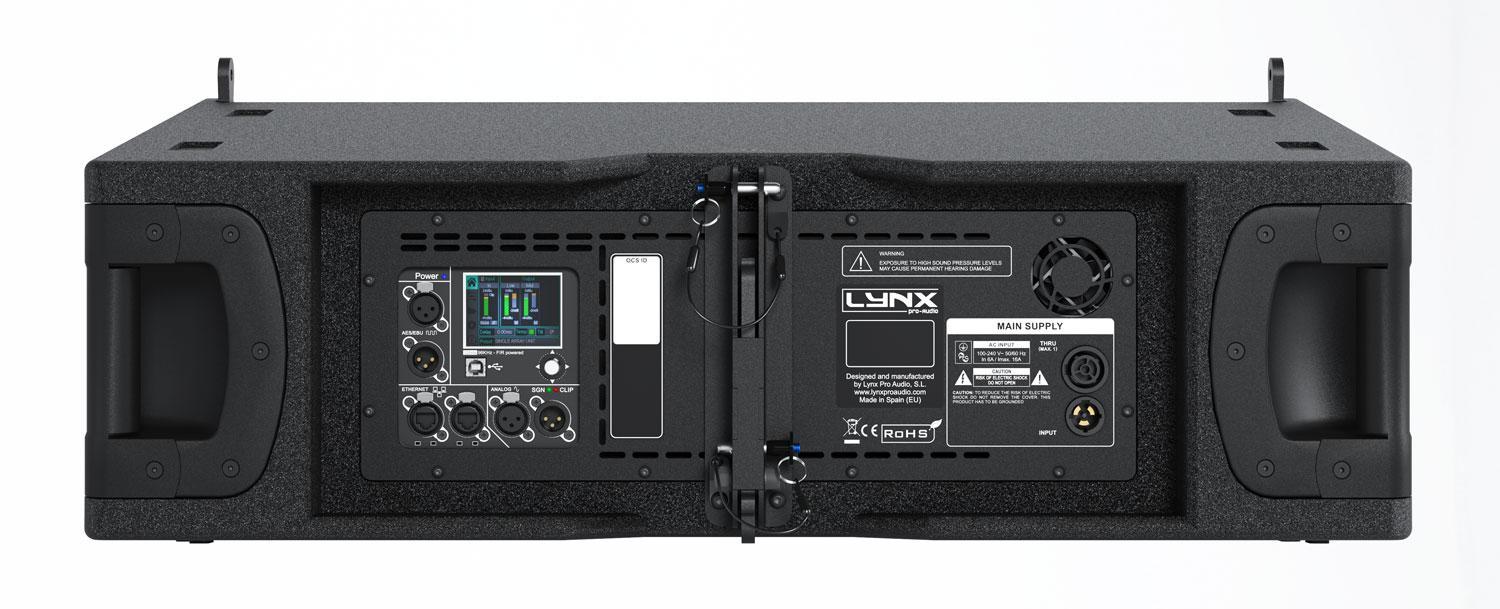
The powder coated steel rear panel contains all connections and houses the GXR-LA210A amplification modules and DSP, is easily accessible and housed separately from the drivers for increased reliability and efficiency.

Grill

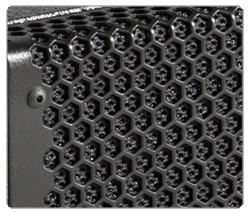
The GXR-LA210A has a heavy duty, powder coated front grille with a special acoustic rear fabric to protect the transducers against dust and dirt.

Handles

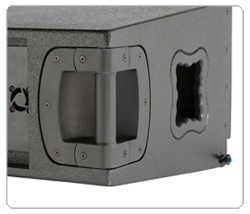
Two handles are located on each side of the GXR-LA210A enclosure to facilitate transport, positioning and loading of the cabinets.

Rigging

Built-in flying points are located on each side of the enclosure, to link the cabinets together. The rear pannel integrates the flying hardware in order to splay angles, from between 0° to 10° with 1° step increments to create the desired curve.

Transport

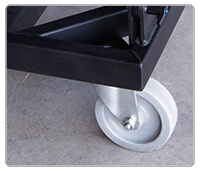
The cabinet is easy to transport thanks to its dedicated dolly and a protective nylon cover is also available to protect the enclosure and keep it clean on tour.

SV-GXR

Flying frame & stack system for GXR-LA210/GXR-D15A

ST-SV GXR/M20

Kit to connect GXR-LA210A flying frame and M20 plate

GXR-GSKIT

Ground stack kit to stack GXR-LA210A directly or together with the GXR-D18S

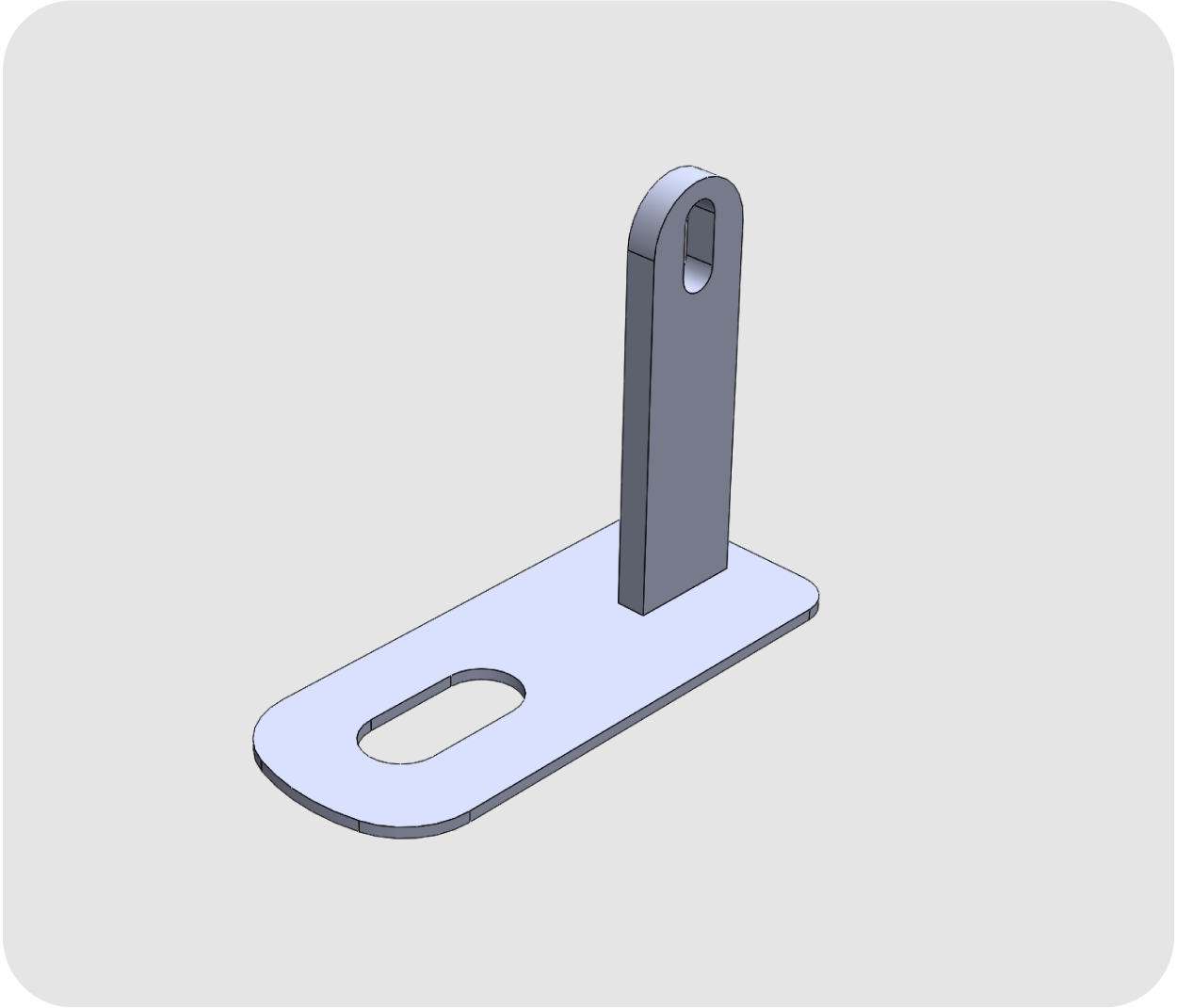
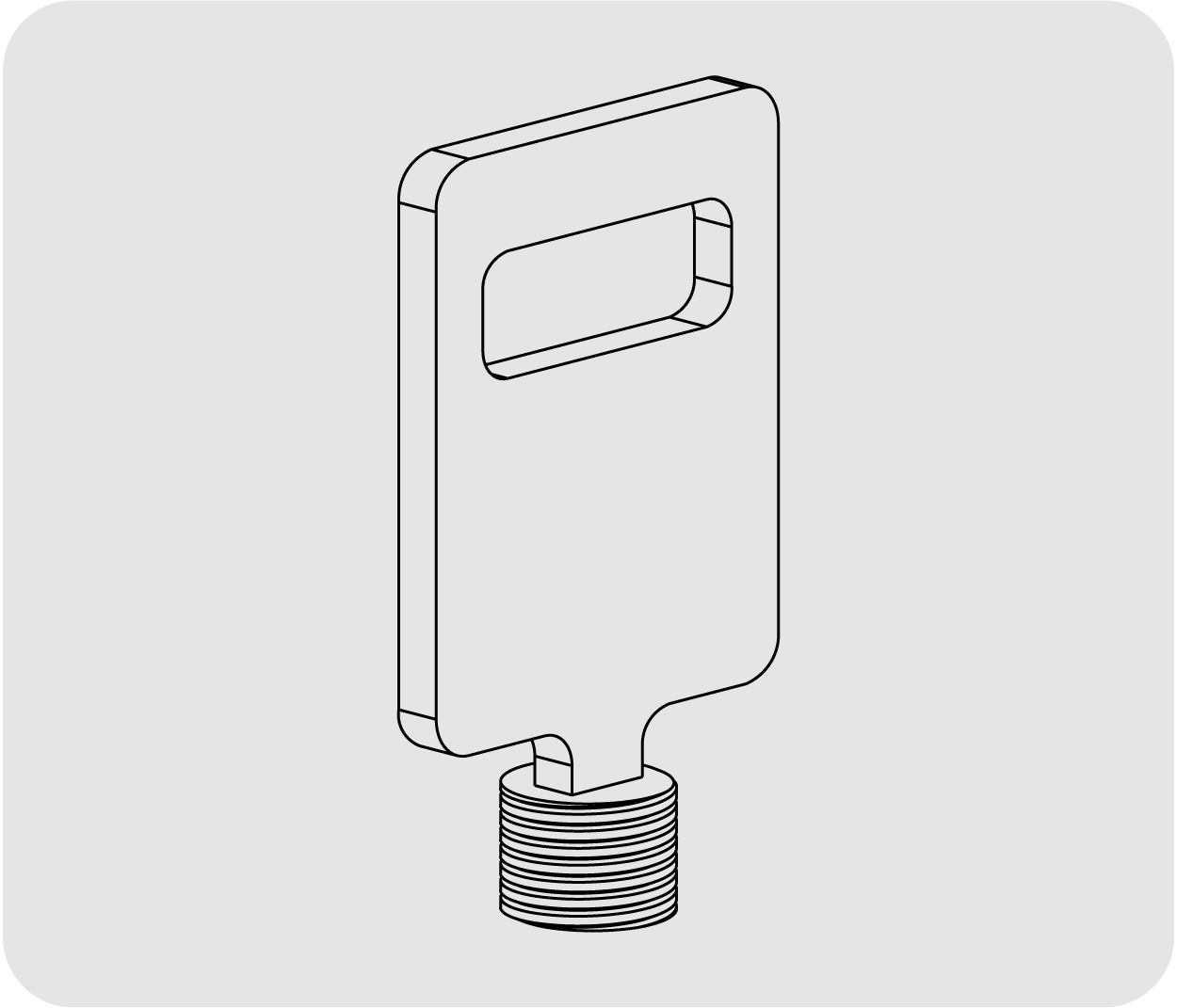
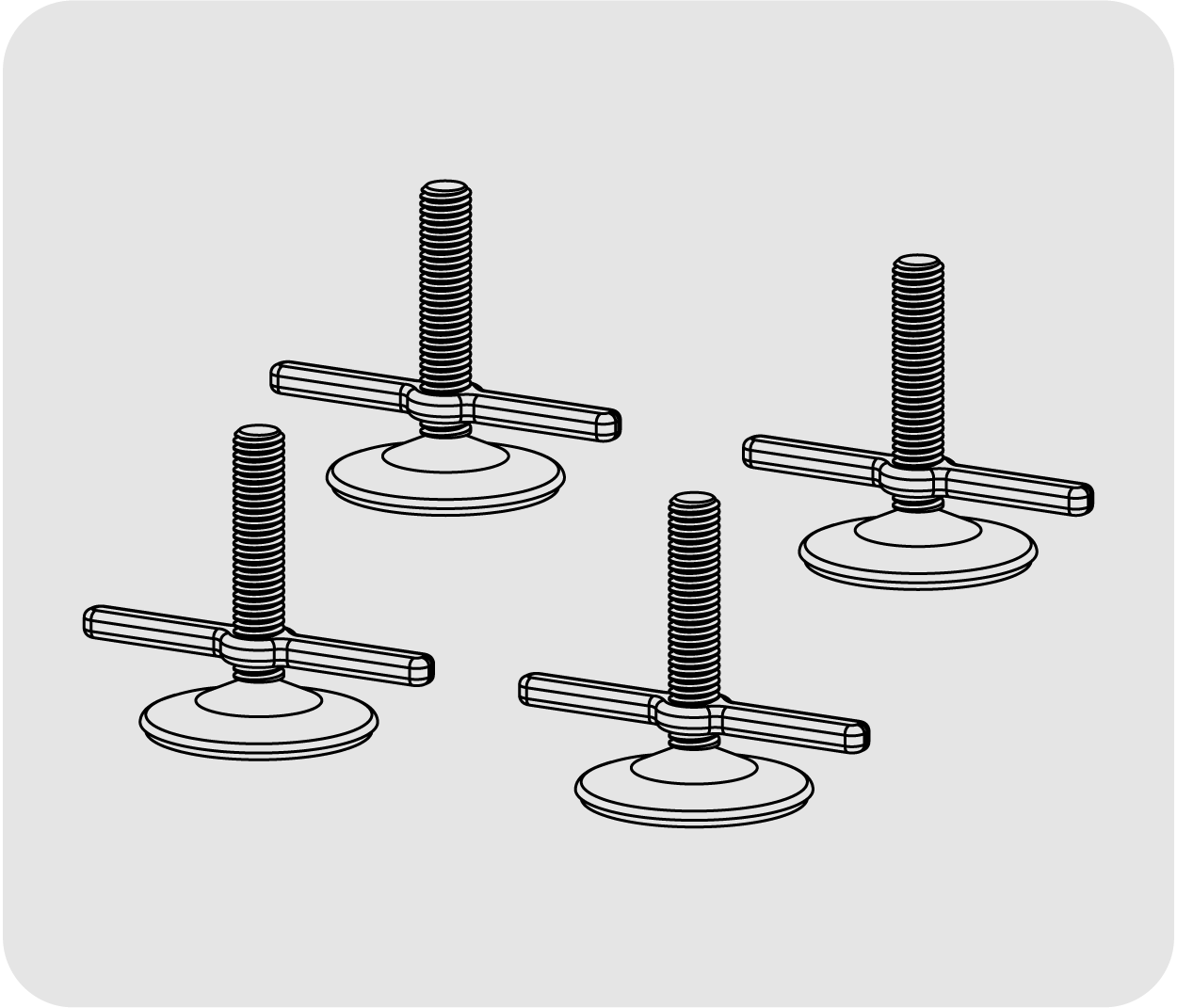
PE-SV

4 x ground stack stabilisers for GXR-LA210A

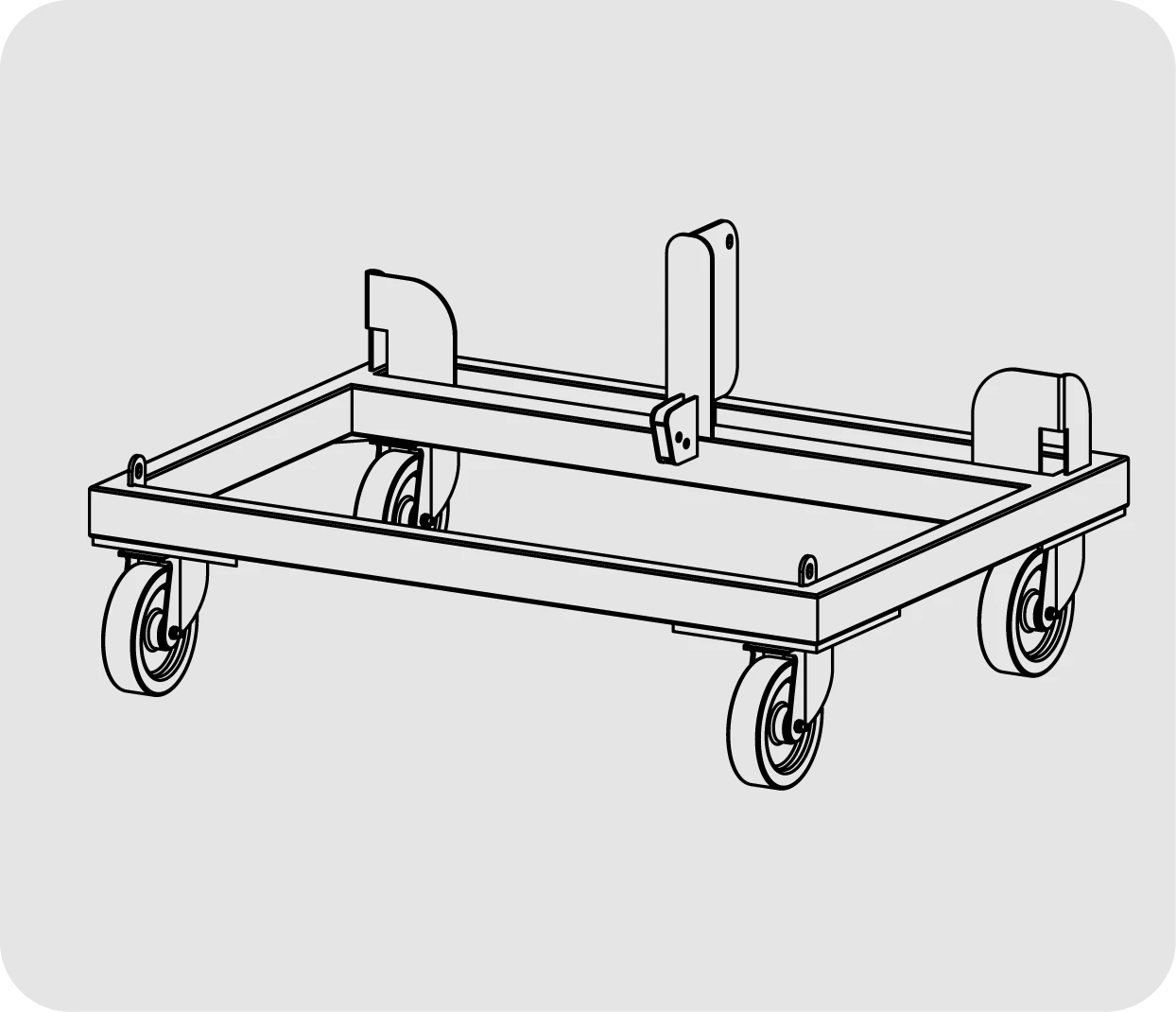
CA-GXRLA10

Transport dolly for GXR-LA210A

FD-GXRLA10NL

Rain cover for GXR-LA210

FD-GXRLA10

Nylon Protection Cover for 4 GXR-LA210 cabinets

FC-GXRLA210

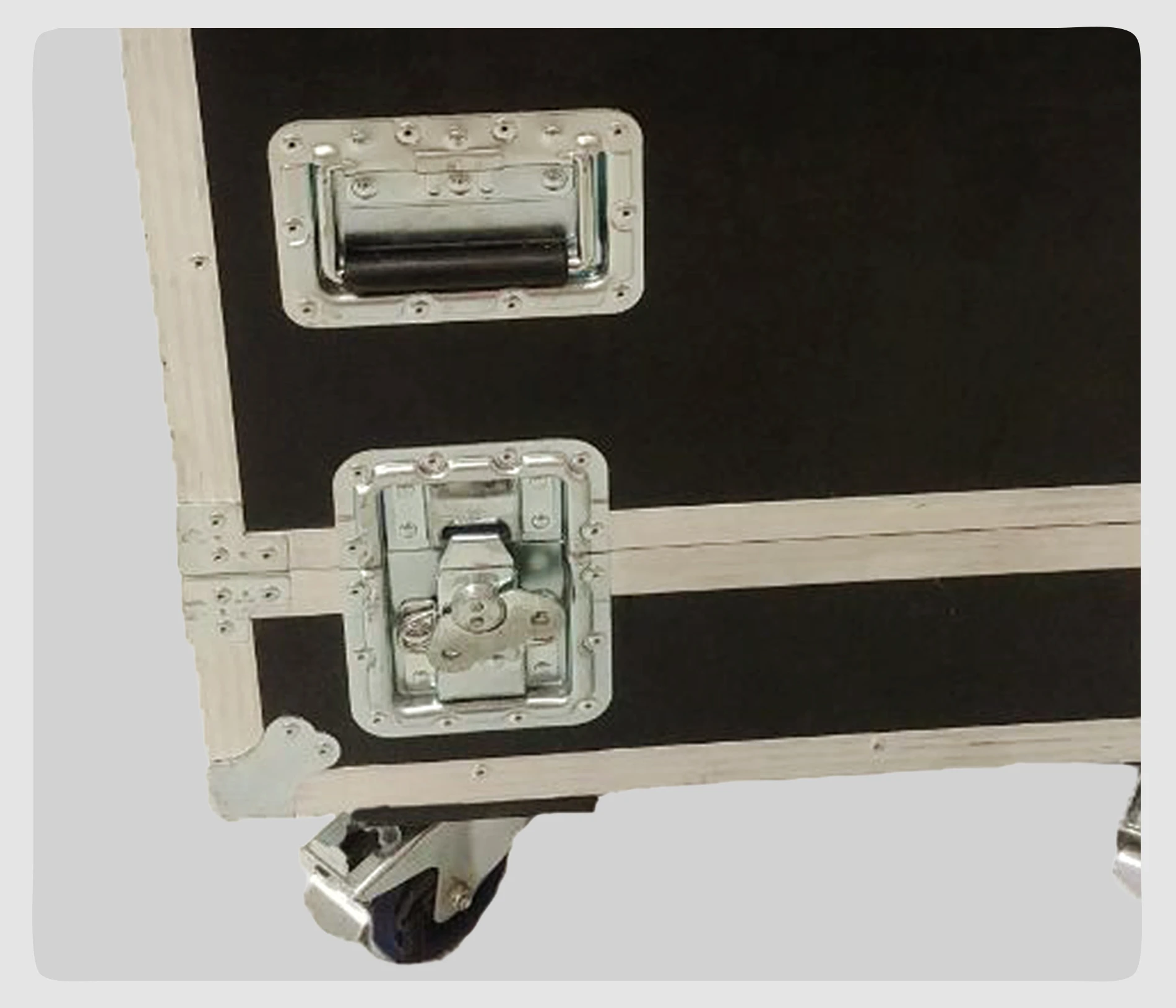
Flight case for GXR-LA210A

DSP

DSP configuration

On the back pannel of the cabinet you will find the digital control area. From the compact joystick located below the screen you are able to configure the basic adjustment functions of the internal DSP.

Just move the joystick to select the icons on the left of the screen. You can enter into the following functions: Home, settings, folder, configuration and information. Please note that you must apply the desired configuration in each one cabinet and requires electrical power to work.

If changes are not made the display will automatically dim to avoid unnecessary light in situations where light is not wanted. To re-activate the light simply press the joystick.

The following screens are an example and may vary slightly for each cabinet.

HOME

On the main screen you can see the cabinet’s input and output:

Input: You can see a vumeter with the input level and a clip signal.

Output: You have a vumeter with the output level (0 dBu is the amp’s maximum level) You can check the compressor and control the dynamic activity.

SETTINGS

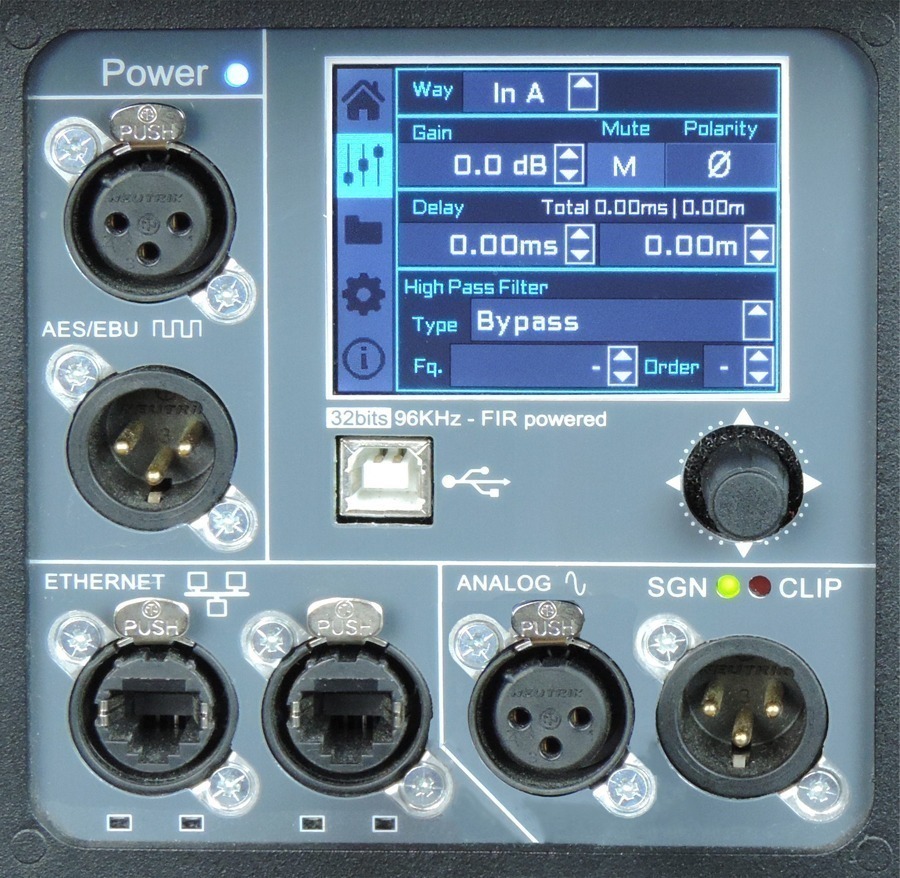
This panel allows you to change the gain, polarity, mute and the delay for the inputs.

You also have the possibility of putting a high pass, changing the type of filter, frequency and order.

FOLDER

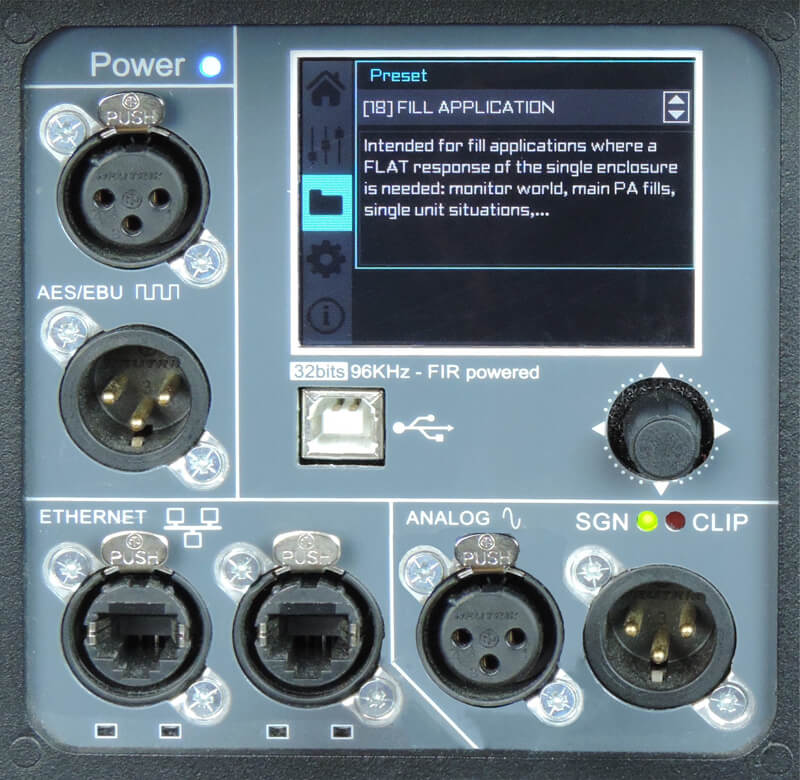
The folder screen shows you the name of the preset and its description.

Using the joystick you can change the preset.

CONFIGURATION

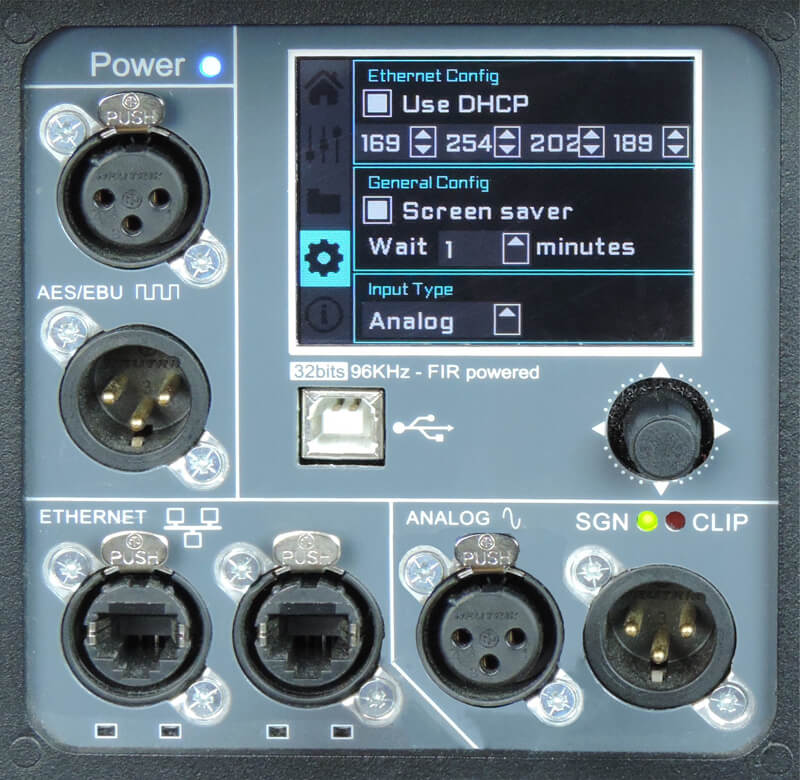
This screen is to configurate Ethernet. You can choose automatic or manual.

You can also configure the screen saver.

And here you have the input selection. You can choose between analog or AES3 for channel 1 or channel 2.

INFORMATION

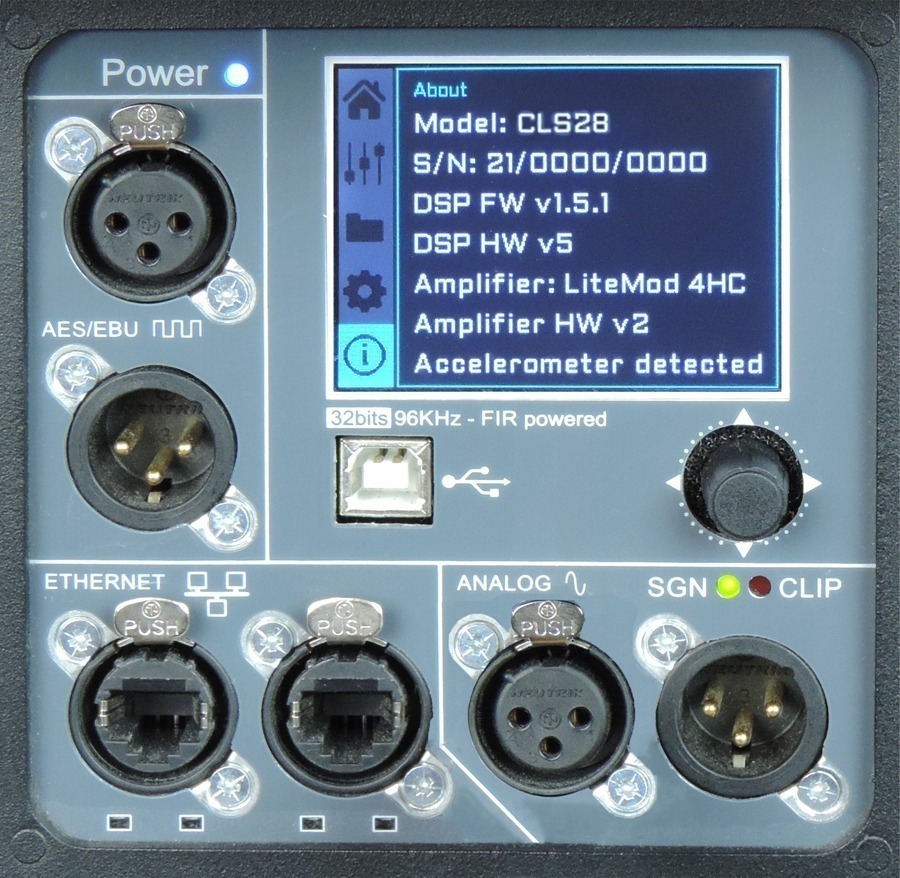
The last screen shows you some general information regarding the cabinet’s components.

Here you can see the cabinet model, its serial number, DSP firmware and hardware versions, amp module model with hardware version, as well as the accelerometer status.

Watch this TUTORIAL to understand how it works:

Other products from this series

Other amplifiers