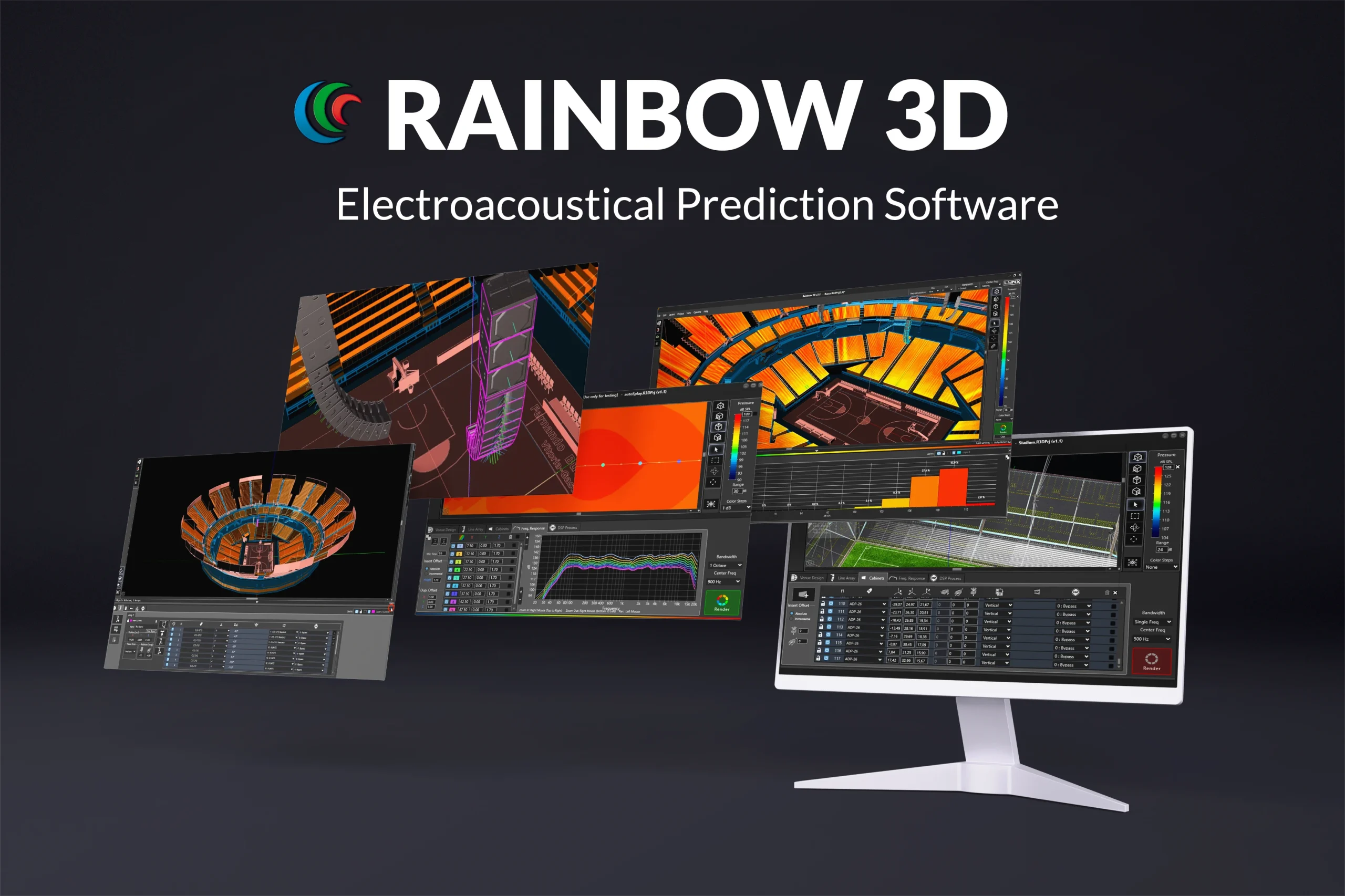
Rainbow 3D is an electro-acoustical prediction software for loudspeaker systems, boasting comprehensive high-speed simulation in a three-dimensional environment. With a sophisticated design, Rainbow 3D stands out for its speed, being able to do a simulation in a few seconds.
Being a technology that has been developed in-house by our engineers, we are able to adapt to the needs of our clients, make improvements when necessary and develop new tools.
The Rainbow 3D has been coded from scratch by our engineers in order to achieve an ultra-fast simulation and to create a visually rich 3D environment. The simulation takes advantage of all cores in the computer using multi-threading techniques for optimised calculation speed.
The program can simulate all Lynx Pro Audio’s acoustic enclosures located in a 3D space. New spherical measurements of the loudspeakers have been performed, with up to one degree of accuracy, in the recently built anechoic chamber.
It can also define endless listening zones and includes an unlimited number of sound sources, allowing simulation for all systems: subwoofers, arrays, columns and individual boxes. The software detects the latest loudspeaker and software updates and allows automatic updates to be installed.

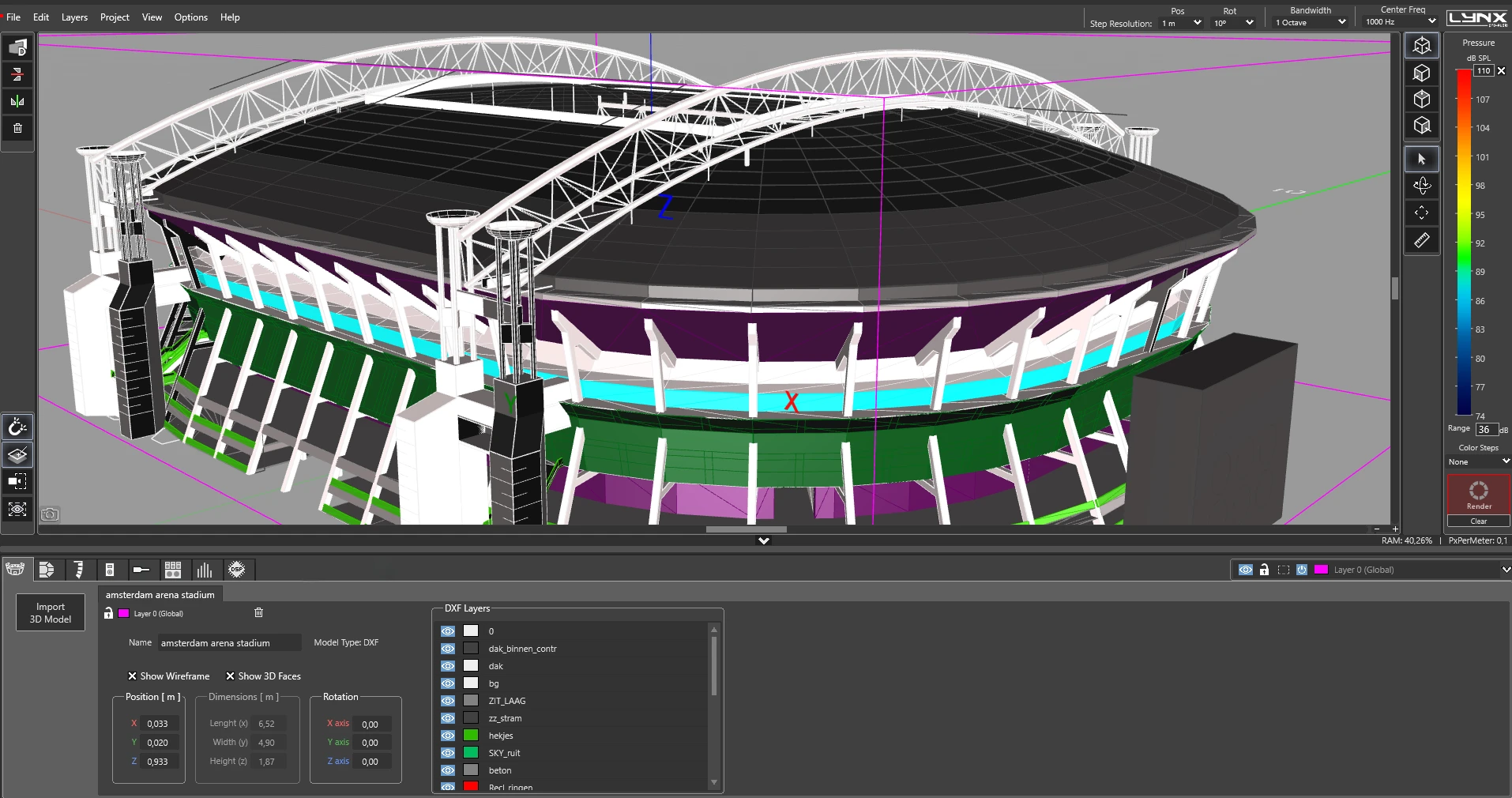
The software allows for the direct import of DXF and STL designs, facilitating the integration of architectural models. Thanks to vertex detection, it is possible to precisely define the listening surfaces on the imported geometry.
The program can simulate all Lynx Pro Audio’s acoustic enclosures located in a 3D space, including the classic side and top views. It can also define multiple listening zones and allows offset positioning and symmetry.
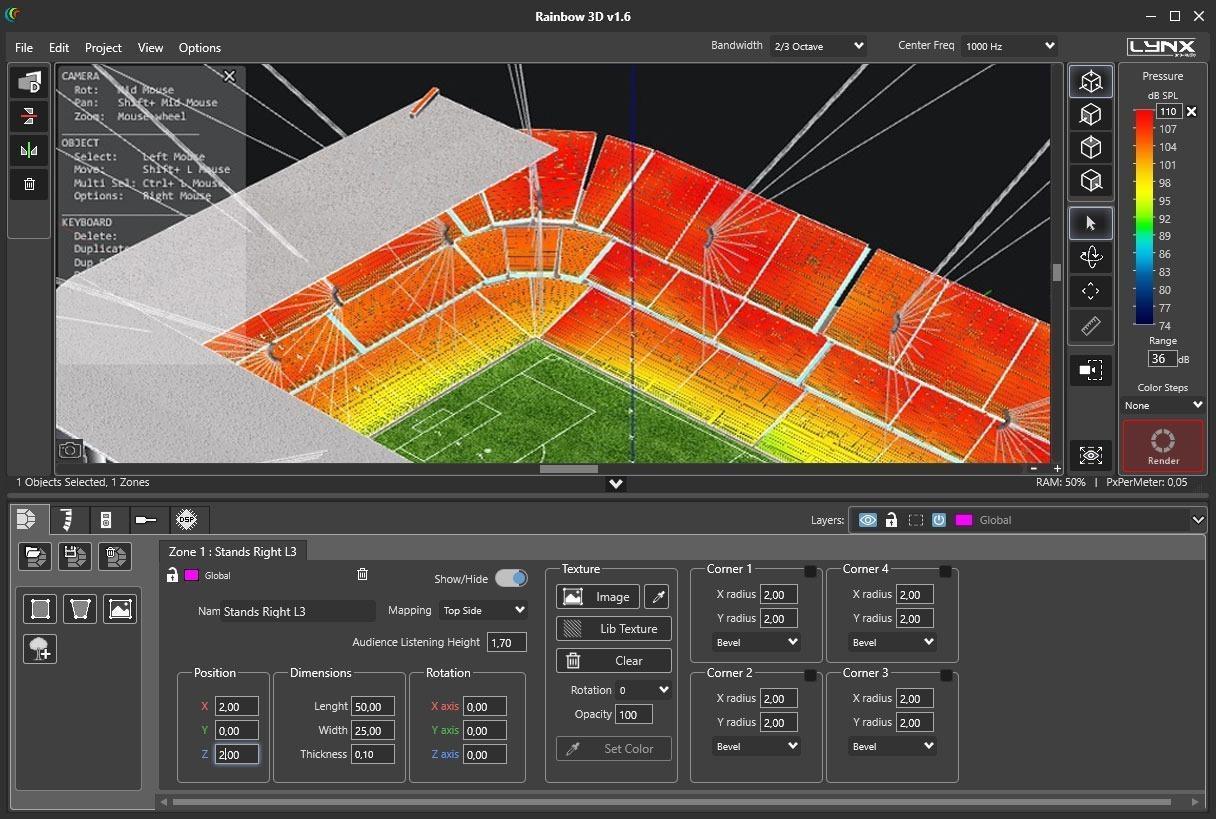
You can create complex-shaped surfaces as listening zones (venues): trapezoidal forms, semicircles, circles, rectangles and other asymmetrical forms. Each corner in a 4-vertex surface is independently definable as straight or round.
Allows the acoustic simulation for an unlimited number of sound sources and audio systems.
You can place as many systems (subwoofers, line arrays, columns and individual cabinets) as you desire or you can create your own group of customized sound systems.
Line arrays can be placed in stack or flown configuration.
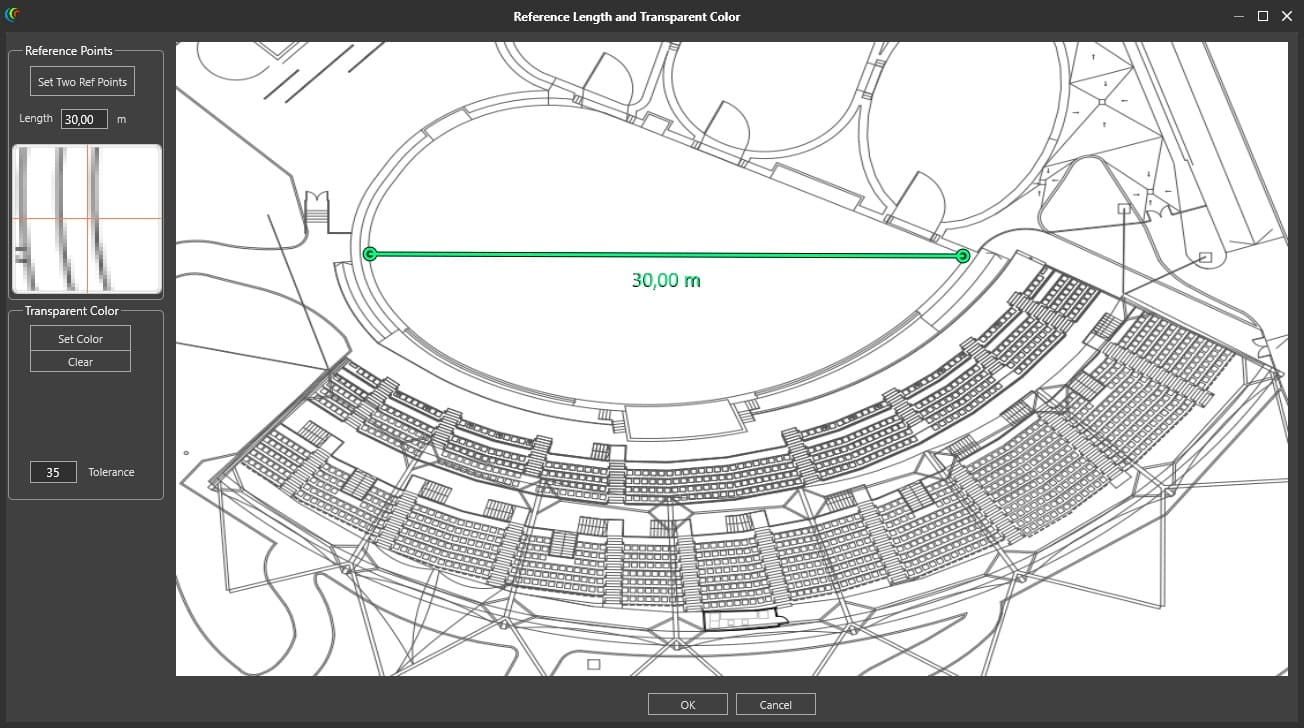
Blueprints can be loaded and used as a reference point or template on which reproduce the venue more closely to reality.
Furthermore, you can add textures and ornaments (decorative 3D objects) that you will find in the library to make the project more realistic and visually appealing.
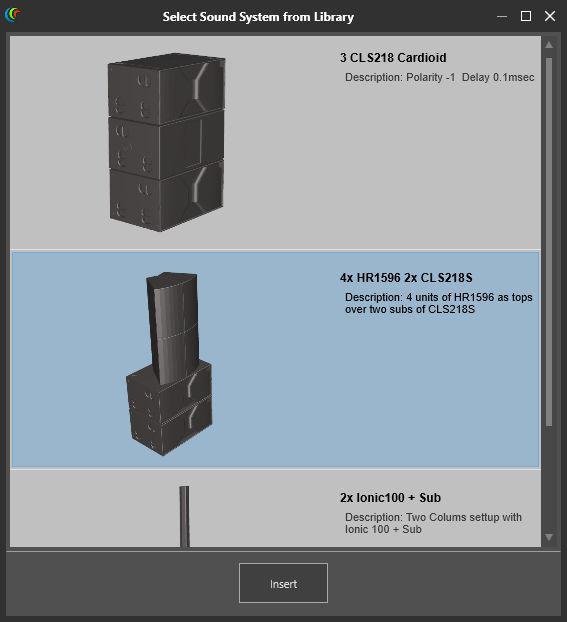
You can select different models of cabinets from the library, create a group with the desired configuration and save them as a sound system. In this way, you can create a group of customized sound systems with your own configurations and reuse them in other projects, saving time.
To make this possible, you will need to create a “.system” file. This can be integrated upon other projects with the “Load sound system from file” option or you can import it directly into the library to get access whenever you need it with the “Insert sound system” option.
When you create a Sound System, you can add a name, a description and you have the chance to upload a picture.
You can create a cluster of cabinets, selecting the desired model of cabinet from the library.
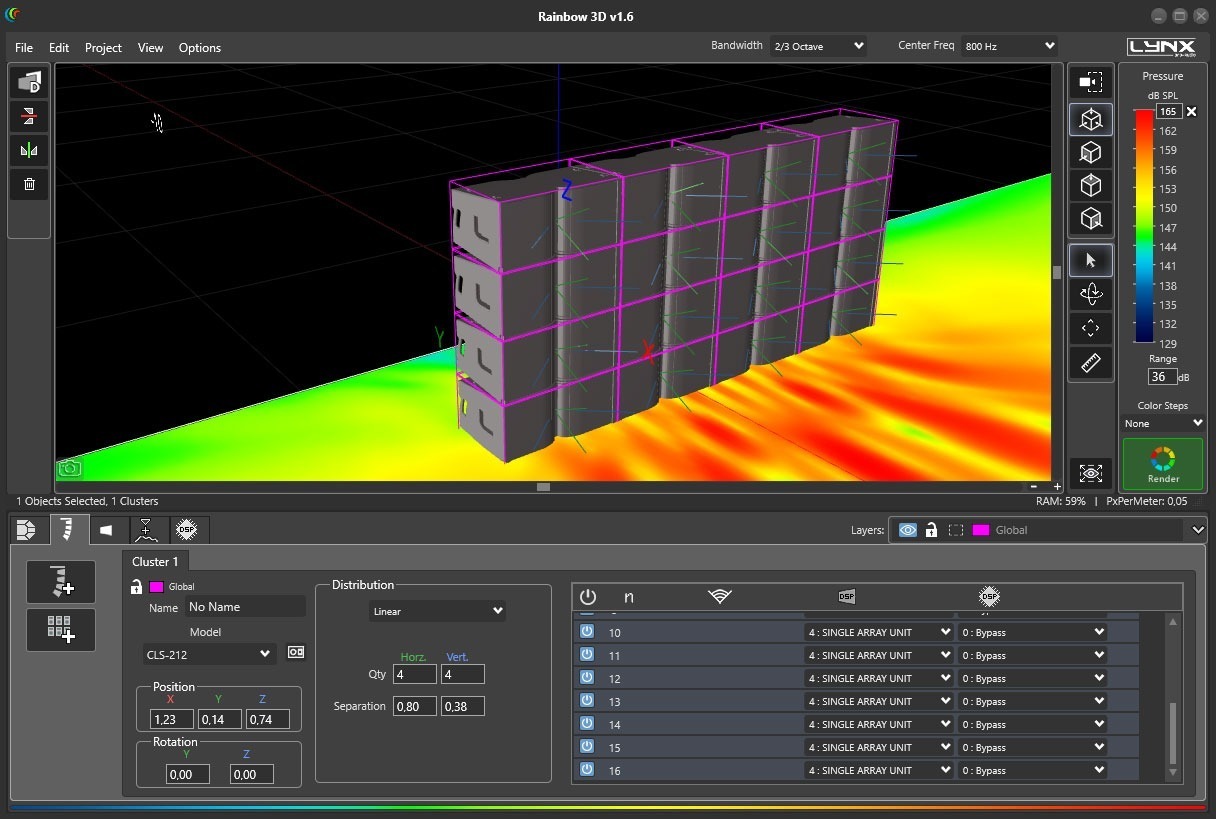
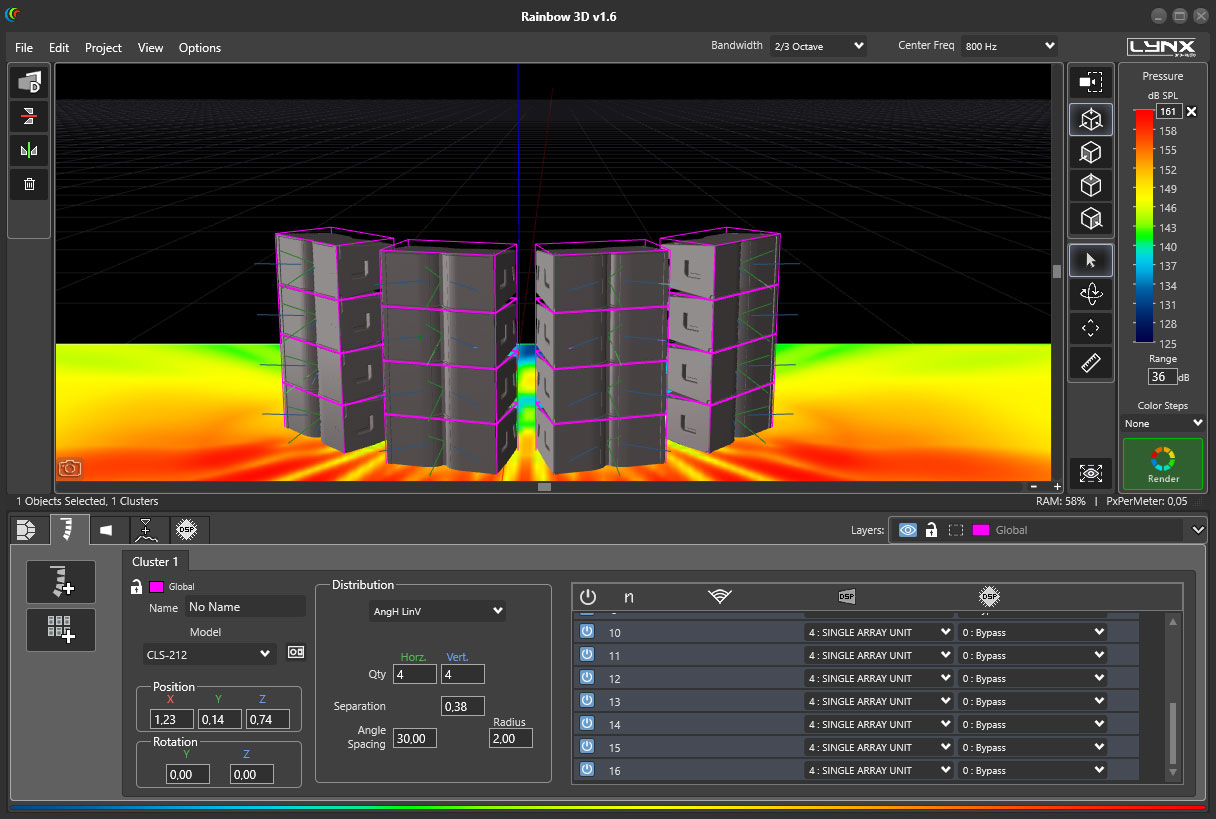
When you create a cluster you can change the separation (meters) and the angle of the loudspeakers inside the cluster. Linear and angular distribution are available.
If at any point you need to change an specific value of a cabinet inside the cluster, you have the “Explode” tool to transform the cluster into single cabinets.
Example of a lineal cluster
Example of an angular cluster
You can create customized designs using multiple edition and productivity tools:
Project design samples you can create:
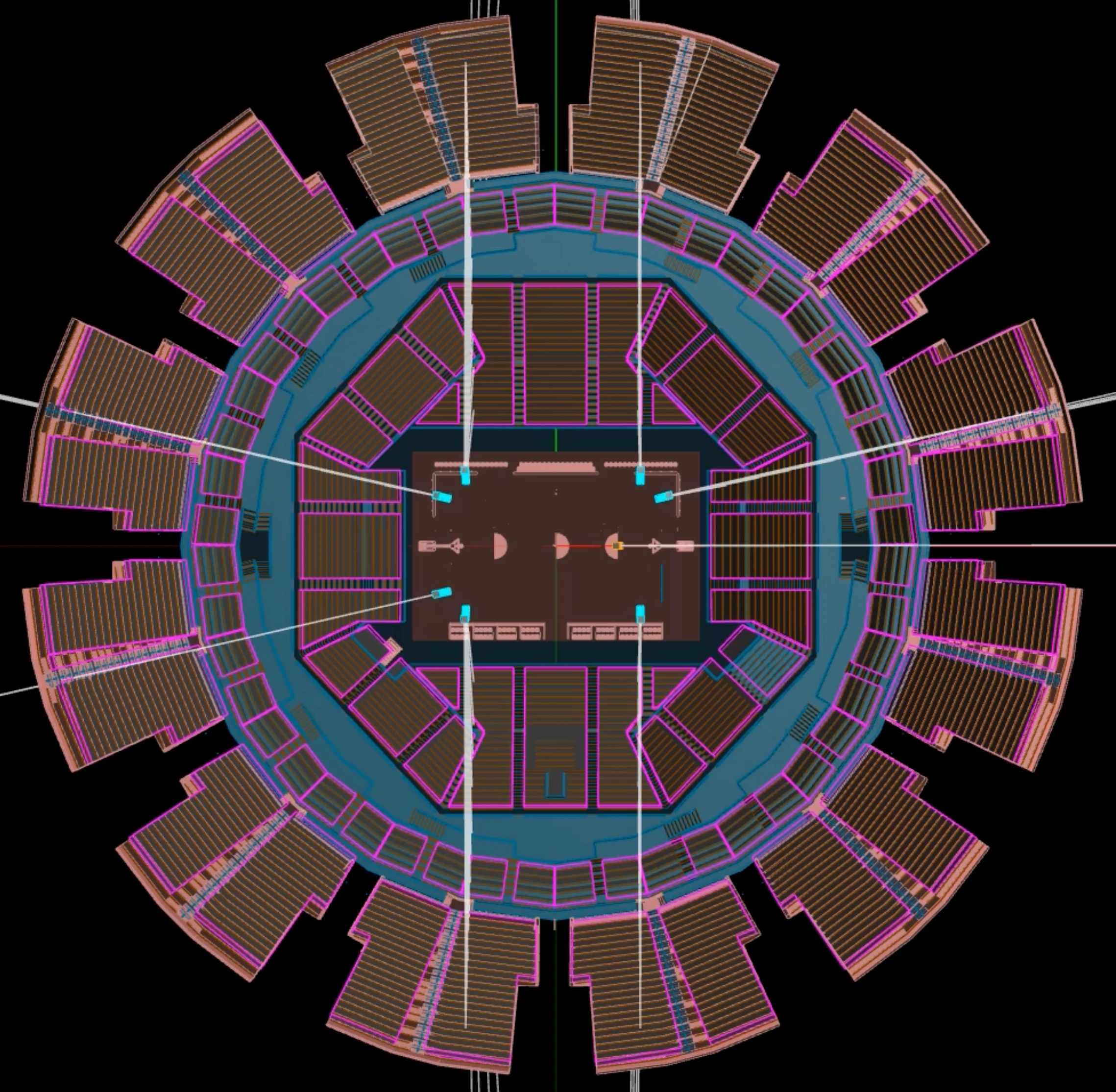
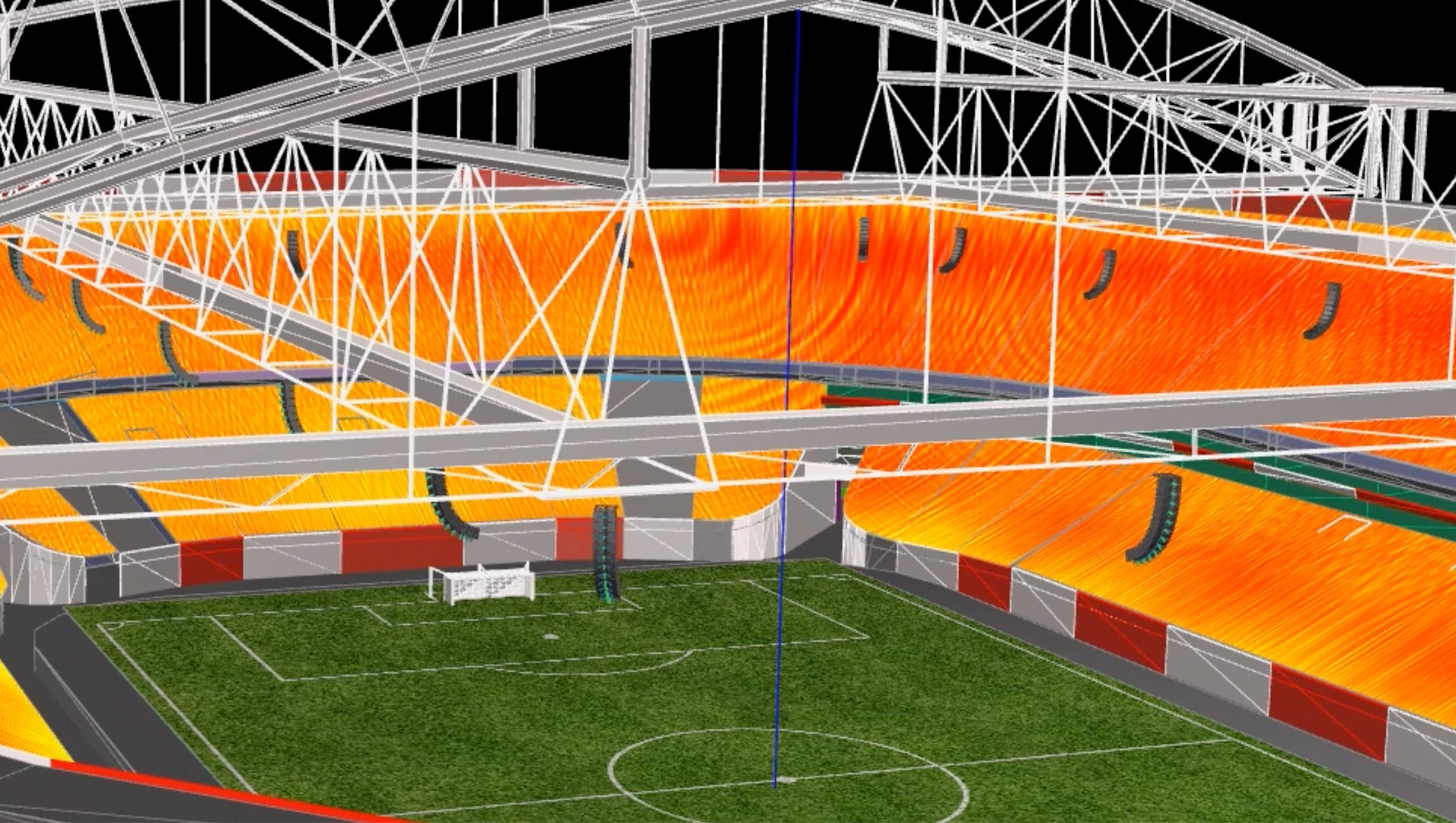
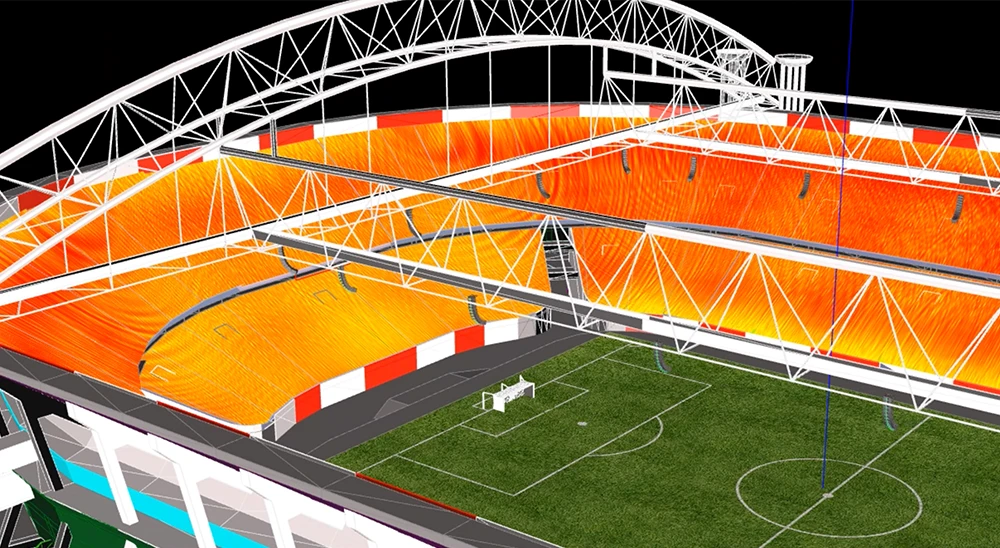
Stadium design with multiple line array sound predictions for all steps.
In this design, multiple shapes were created, moving and duplicating them to make the design faster. We loaded grass textures for the soccer field and images to represent the soccer lines and stadium steps.
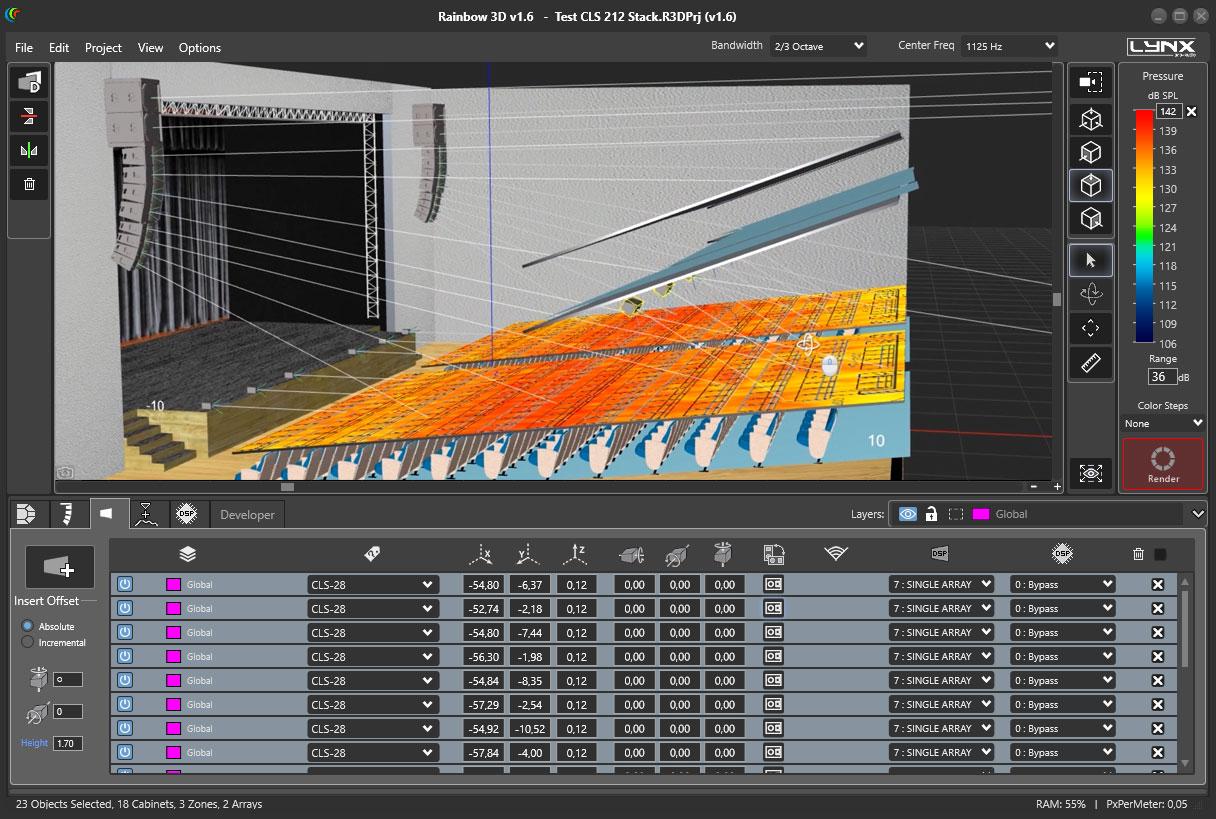
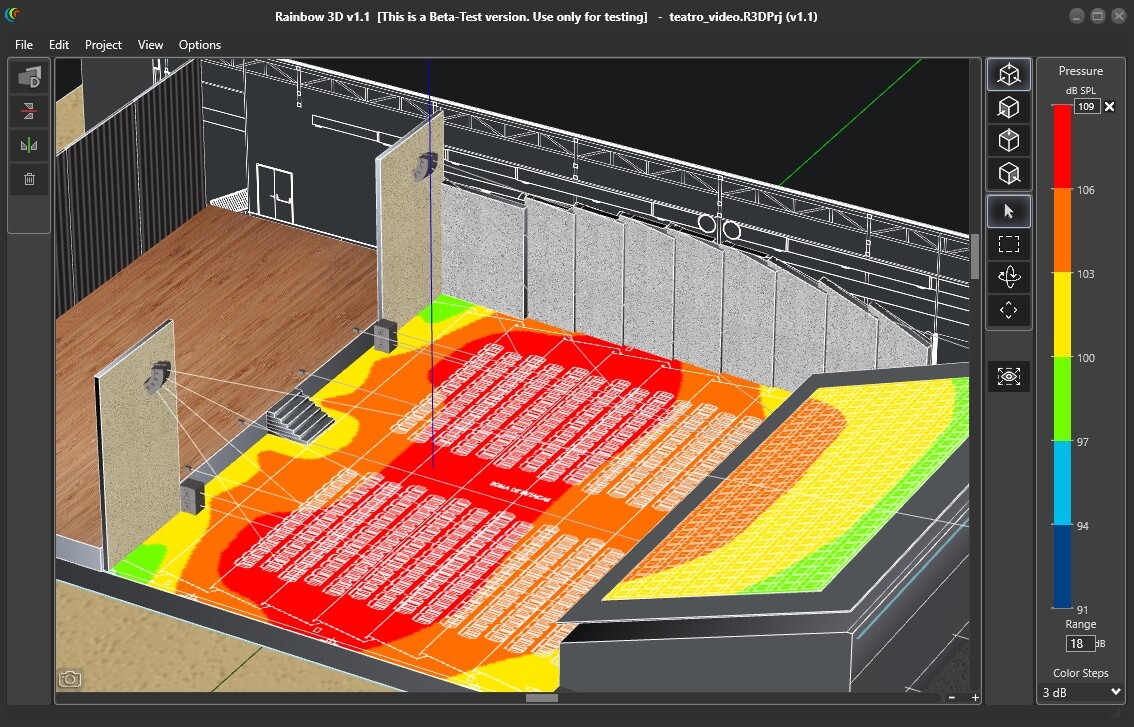
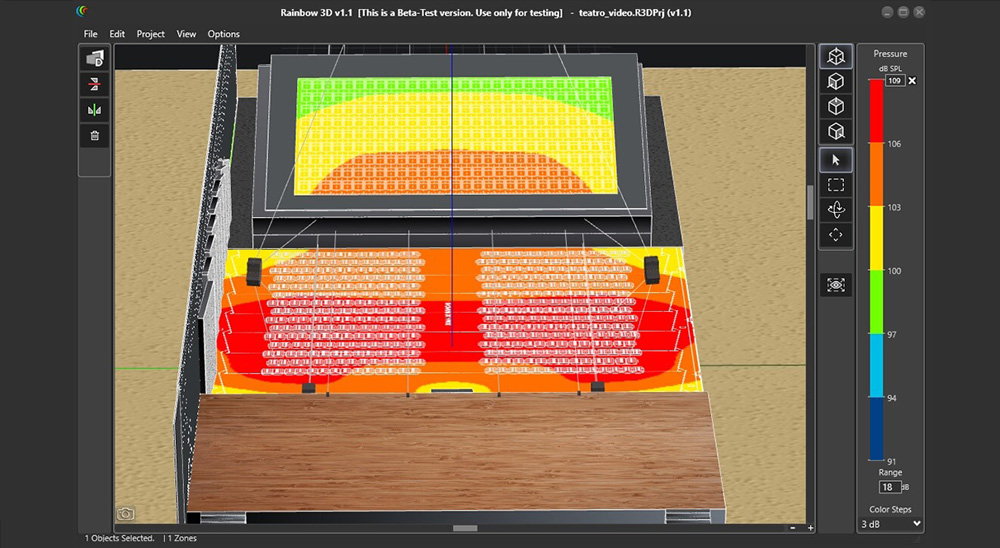
Theatre venue design with acoustical prediction.
We created the theatre’s audience with a PNG drawing and the balcony in an elevated position to make it as realistic as possible. We also used textures for walls and theatre stage.
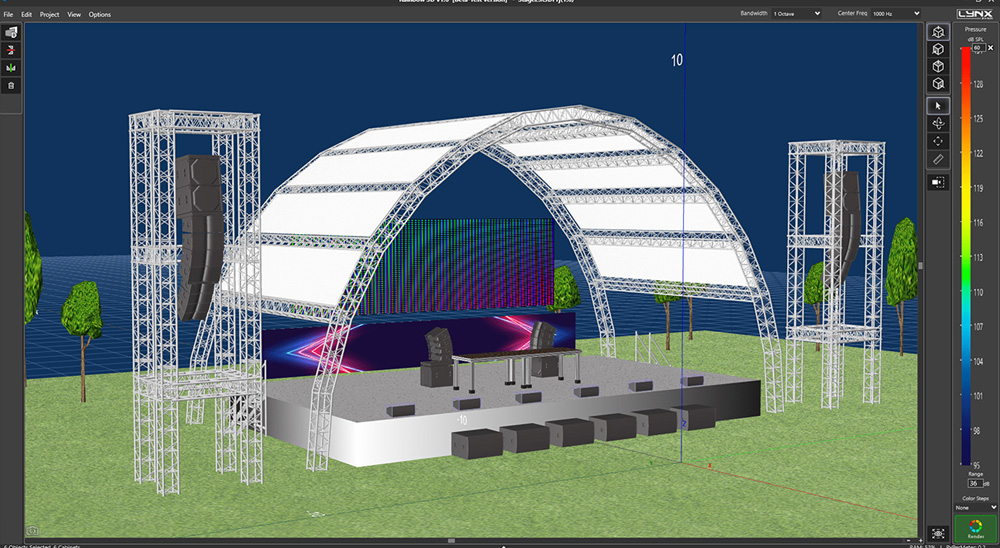
This project represents a stage with multiple sound systems.
We created the DJ’s table and put the DJ’s sound systems, monitor stage cabinets, subwoofers and line arays on both sides of the stage. It can be done easily using symmetry and duplicate button.
To work in a more organized way you can create multiple layers, with different names and colors to distinguish them. All elements within a layer can be selected and/or moved among them. You can also lock a layer, delete it or disable the speakers for simulation.
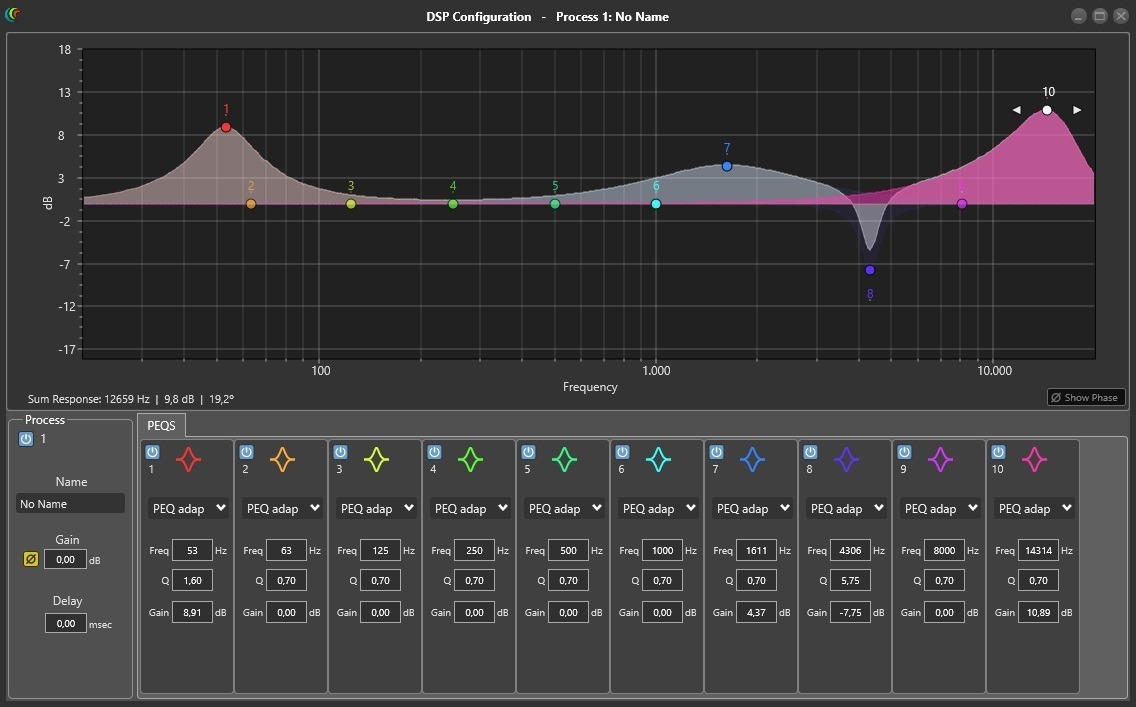
Adding DSP process to sound sources to make corrections and optimize sound, using EQ filters, delay, gain and polarity inversion.
In the near future, direct communication with Lynx Pro Audio’s cabinets will be available.
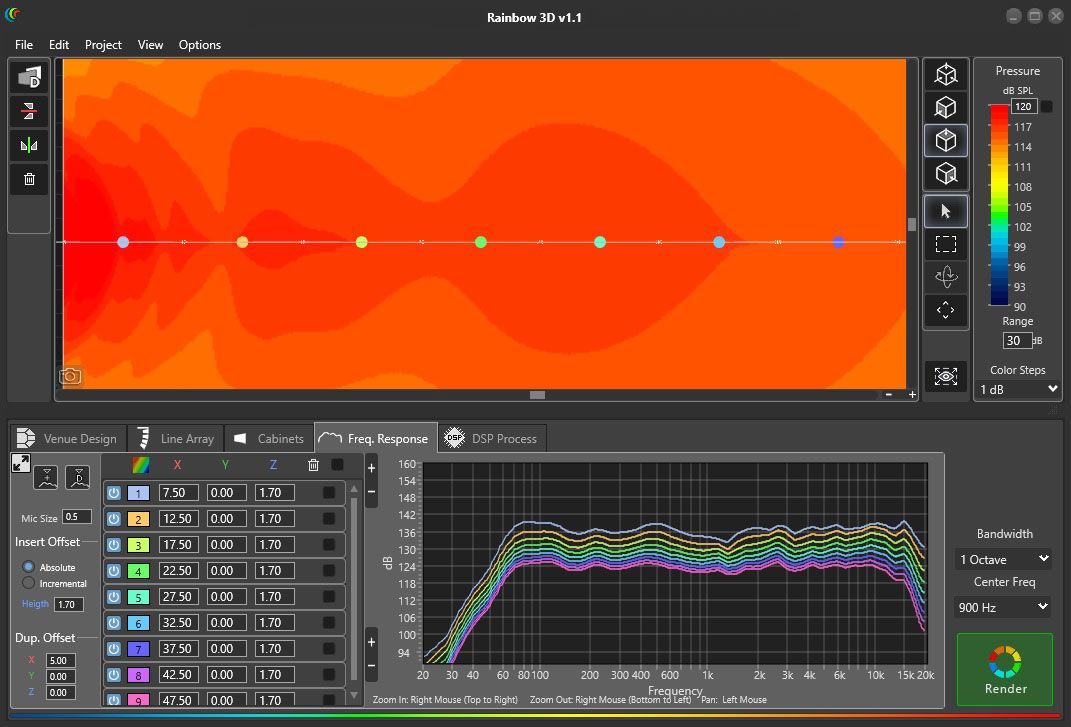
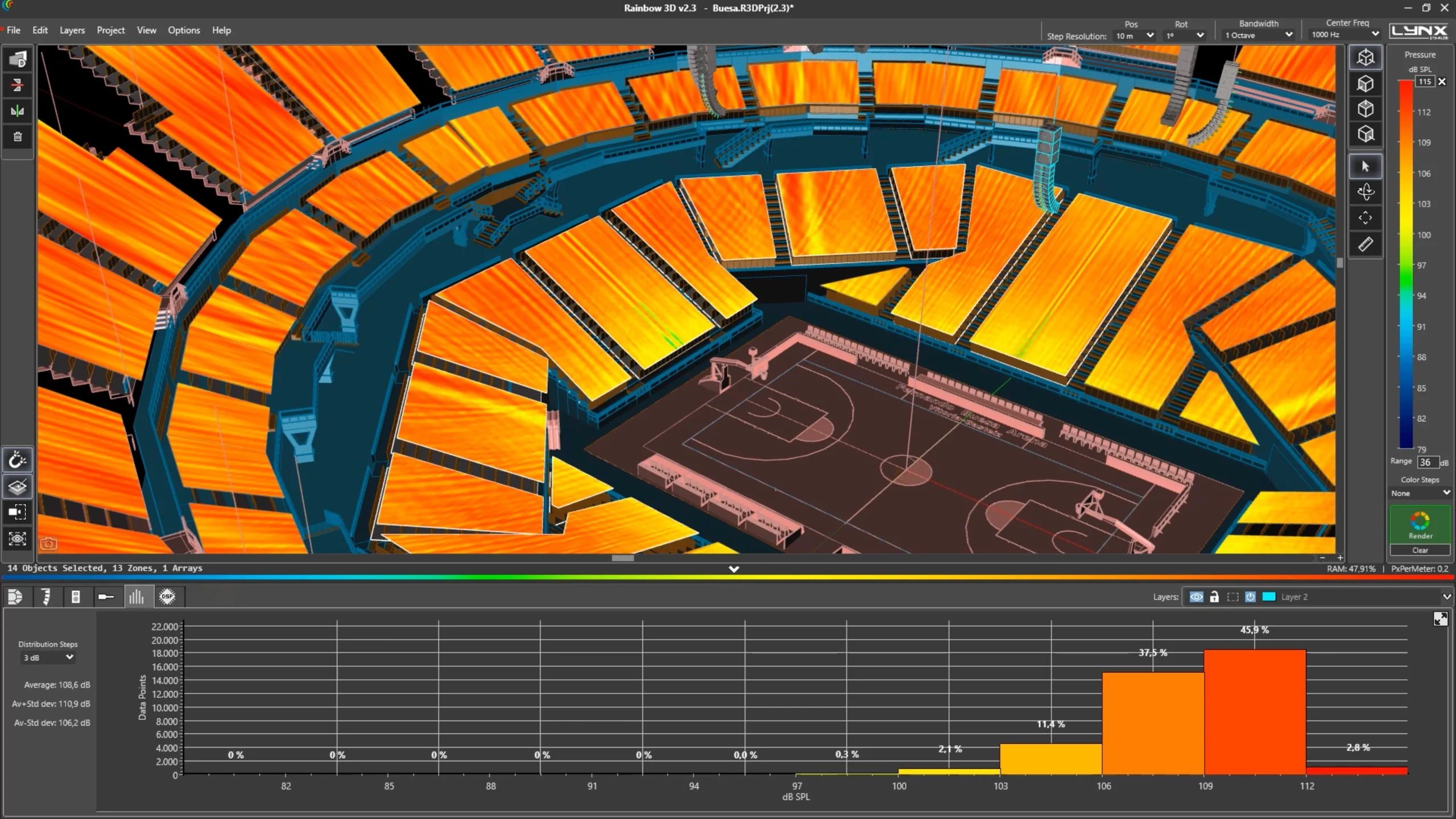
Now in Rainbow 3D, you can visualize the dB SPL distribution in percentages, providing a more detailed view of acoustic coverage and system performance. This functionality allows professionals to gain a deeper and more accurate understanding of how sound is distributed in a given space, facilitating informed decision-making to optimize acoustic configurations.
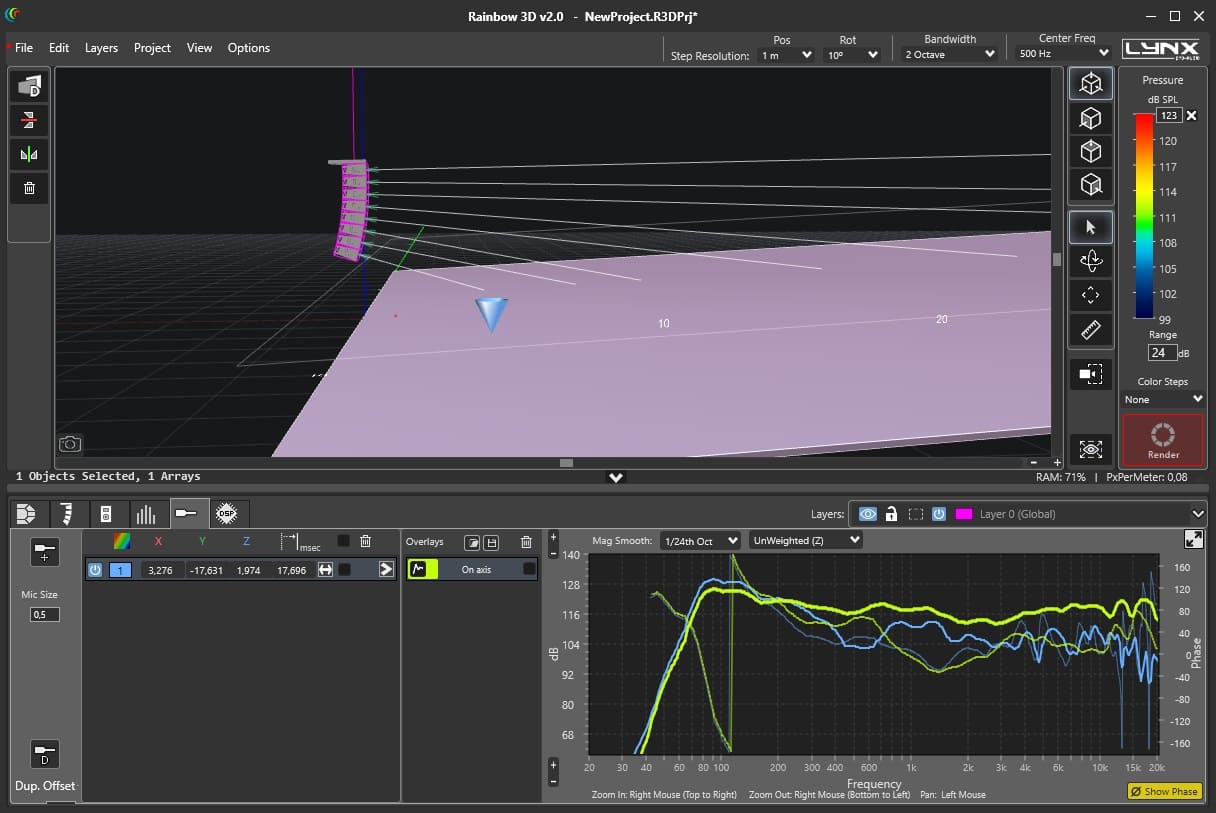
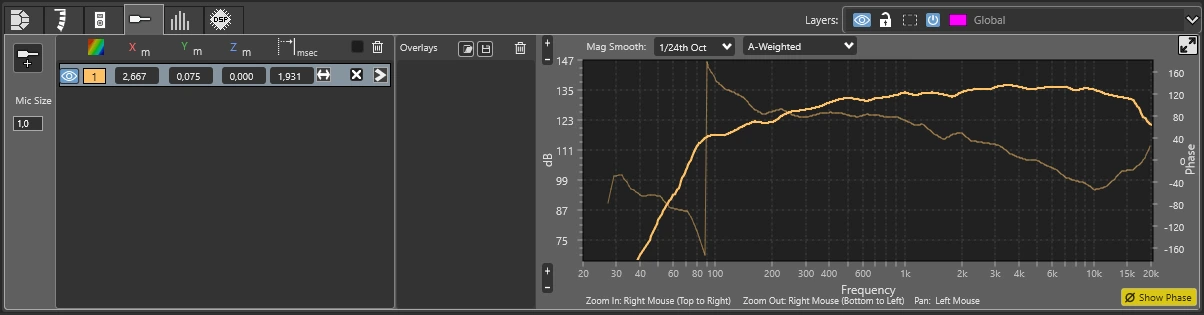
The functionality to capture, export, and import measurement curves has been added. This feature is essential for conducting precise comparative analyses, enabling users to easily evaluate different scenarios and configurations. The ability to overlay and compare multiple measurements significantly enhances the accuracy and efficiency of acoustic evaluations.
You can apply A and C weightings to measurements in your Rainbow 3D software, ensuring that the results comply with professional acoustic standards. A and C weightings are crucial for adhering to industry regulations and guidelines, allowing for a more accurate assessment of how the human ear perceives sound in different contexts.
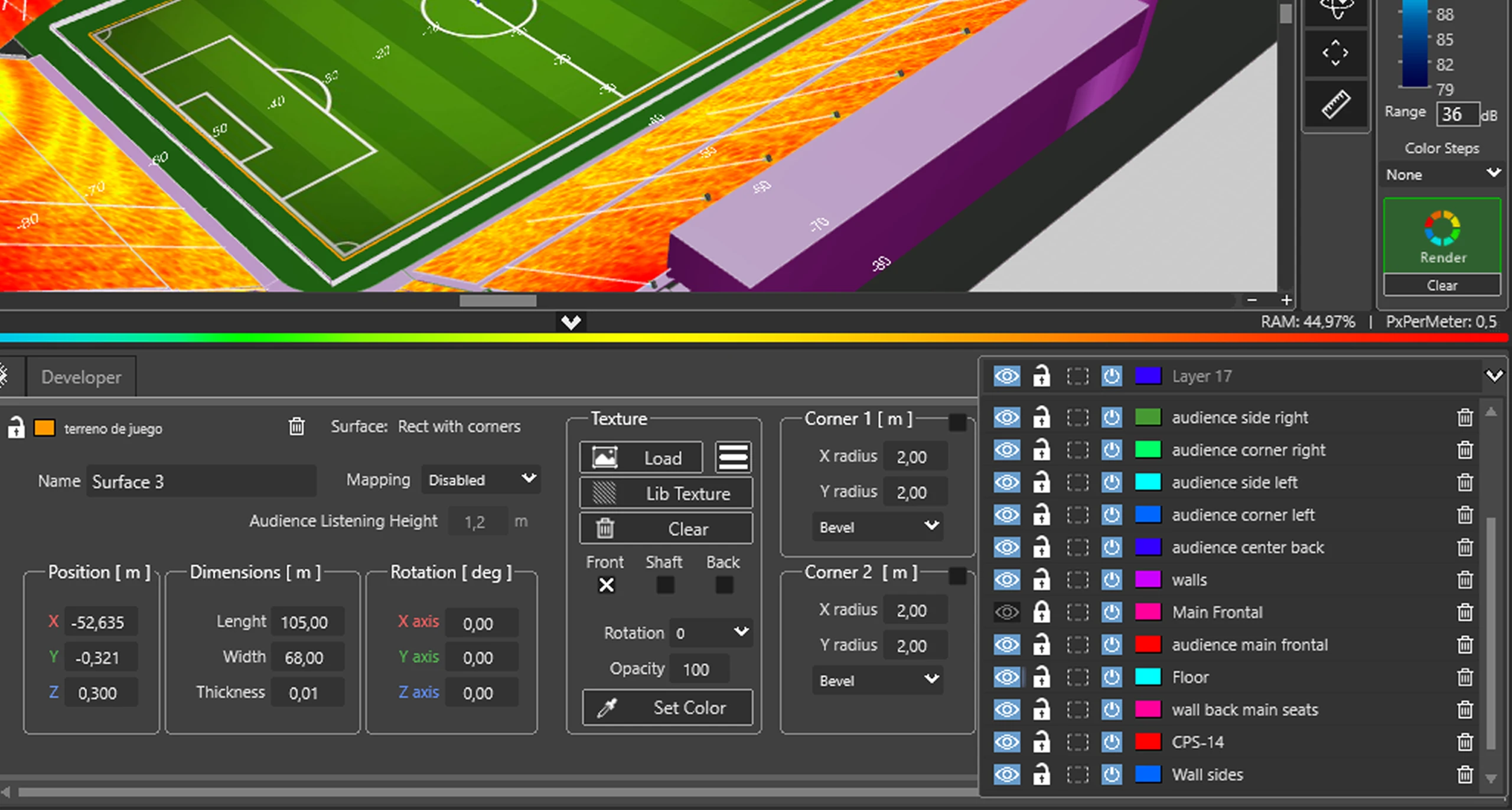
Rainbow 3D allows you to insert images of your project and set reference measurements between two points on the plan image, proportionally scaling the dimensions of the area. This functionality is vital for precise calibration and system design in complex projects, ensuring that every detail is perfectly aligned and optimized. The ability to visually integrate images with measurements facilitates more coherent and efficient planning and execution of acoustic projects
Likewise, the R&D department is developing multiple measurements and analysis tools for the calculated data. For example, adding virtual microphones that show the frequency response in the points of location indicated.
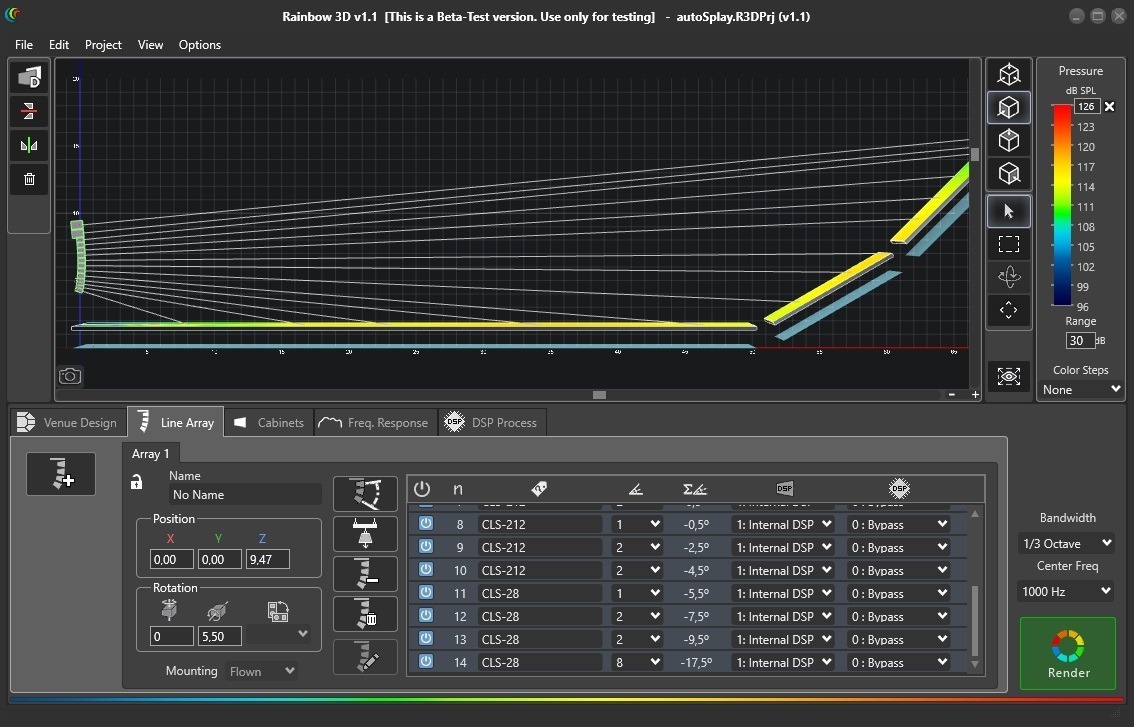
Among other tools you will find a wizard to set up different line array arragements, a tool for line array autosplay and a ruler to take measurements (meters) in the 3D scene.
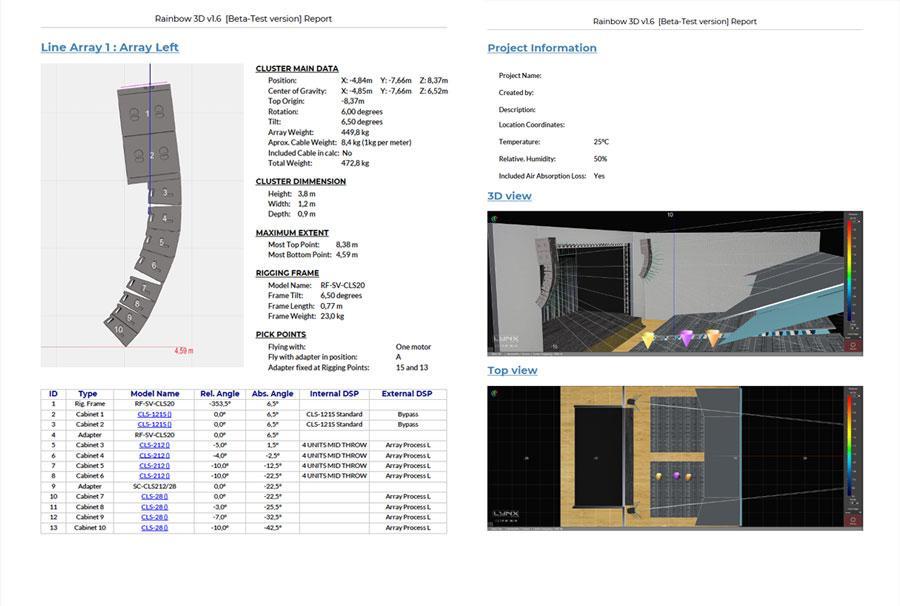
A PDF report can be generated with extensive information that includes 3D views of the project as well as a list of surfaces and loudspeakers with set-up data and EQ.
The pictures below show some examples: from left to right, you can see the PDF report, the frequency response on selected points and the line array autosplay tool.
These are the minimum requirements needed to run Rainbow 3D software on your computer.
Windows 10 64-bit or newest version.
64-bit core clocked at 2GHz or better.
RAM: 8GB or higher.
For 3D graphics: Direct3D 11.1 or better.
Display resolution: 1440 x 900 or higher.
Hard Disk: 2GB free disk space is required for a full installation with all libraries.
Learn to make a correct use of this Acoustical Prediction Software with our free video tutorials
Rainbow 3D, a new electroacoustic simulation software in a 3D and visual rich dynamic environment.
Subscribe to our newsletter and receive information about products, our latest facilities, and other news.
Official Sponsor
Copyright © LYNX PRO AUDIO